
Secure, accessible video for D2L Brightspace
MEDIAL integrates with D2L Brightspace so teachers and students can add, record and share video in their courses, with content stored securely in MEDIAL rather than your LMS.
- 30-day trial period
- No payment required
- Up and running in minutes
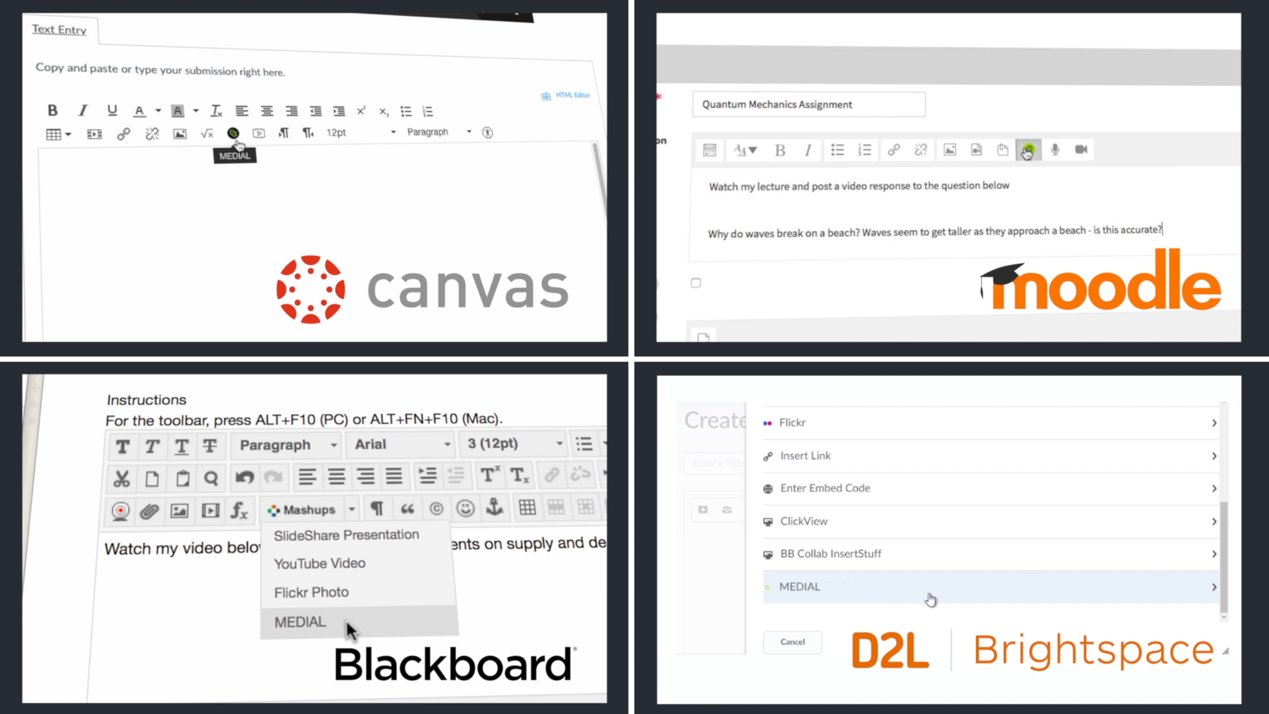
Trusted by universities, colleges and businesses in more than 20 countries













MEDIAL for D2L Brightspace
What MEDIAL adds to D2L Brightspace
Add video to Brightspace courses
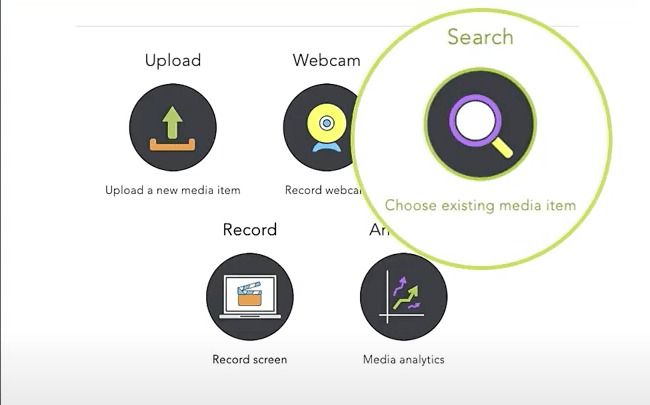
Securely upload large media files to a media server integrated with Brightspace, then embed them on any course page.
Record in the browser
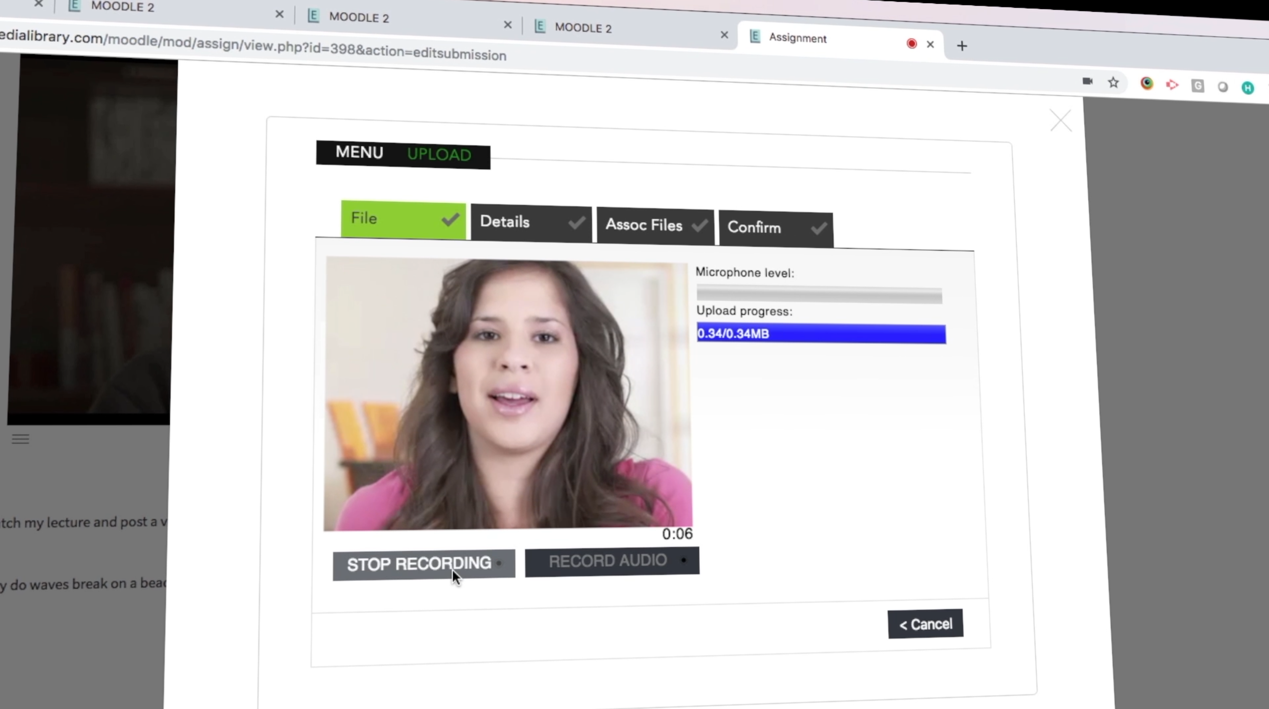
Teachers and students record webcam, screen and voice without leaving the course.
Video assignments
Students respond to assignments with video, safe in the knowledge their content is secure.
Grades integration
View, grade and leave video feedback on student submissions without leaving Brightspace.
AI quizzes & captions
Auto-caption every video and generate interactive quizzes whose scores sync to the gradebook via LTI 1.3.
Zoom & Teams recordings
Ingest meeting recordings automatically and add them to course pages in a few clicks, saving cloud storage costs.
Protect your content
Secure video for every Brightspace course
MEDIAL lets lecturers create video-based assignments that students can respond to with video, safe in the knowledge that their content is secure, and not consuming storage on your Brightspace site.
- Permissions inherited from course enrolment
- Adaptive streaming to any device
- No video stored in the LMS
Grade faster
Brightspace grade book integration
MEDIAL hooks into the Brightspace grade book, so lecturers can view student video assignments, grade them and record video feedback, all without leaving Brightspace.
Meetings
Zoom & Teams recordings, straight to the course
Meeting recordings land in the teacher’s MEDIAL account automatically, ready to embed in a course page in a couple of clicks, with retention policies to keep storage under control.
FAQ
Frequently asked questions
How does MEDIAL connect to D2L Brightspace?
MEDIAL integrates with D2L Brightspace using LTI, so users sign in once and permissions follow course enrolment. Our team helps with installation and configuration.
Does video count against our D2L Brightspace storage?
No. Video is stored and streamed by MEDIAL, keeping your D2L Brightspace site fast and lean.
Can we try it first?
Yes. Book a demo and we can set up a trial connected to your own LMS, typically for 30 days.
Other integrations
Library · Live · Learning
See MEDIAL in action
Book a 30-minute demo with our team. We’ll walk through Library, Live and Learning with your LMS and workflows in mind, and help you choose the right deployment.