
Product News· 2 min read
MEDIAL | Teams Integration
This video gives a quick look at how MEDIAL works with Microsoft Teams, showing off some neat features that could really help out your...
Read articleMEDIAL Learning
Teachers and students can record, upload and respond to video assignments within Moodle, Canvas, Blackboard and D2L Brightspace. Content stays secure and off your LMS storage, and grades flow straight into the gradebook.

Trusted by universities, colleges and businesses in more than 20 countries













MEDIAL Learning
Create video-based assignments that students respond to with video, safe in the knowledge their submissions are secure.
Grade video submissions and leave video feedback from the Moodle Gradebook, Canvas SpeedGrader or Blackboard Grade Centre.
Generate multiple-choice, true/false and free-text questions from any video, placed on the timeline and synced to the gradebook.
Record screen, webcam and voice in the browser with MEDIALecture, and publish instantly to the course.
See which students watched which videos, and for how long, so you can intervene before anyone falls behind.
Meeting recordings land automatically in the teacher’s MEDIAL account, ready to add to a course page in a few clicks.
Assignments
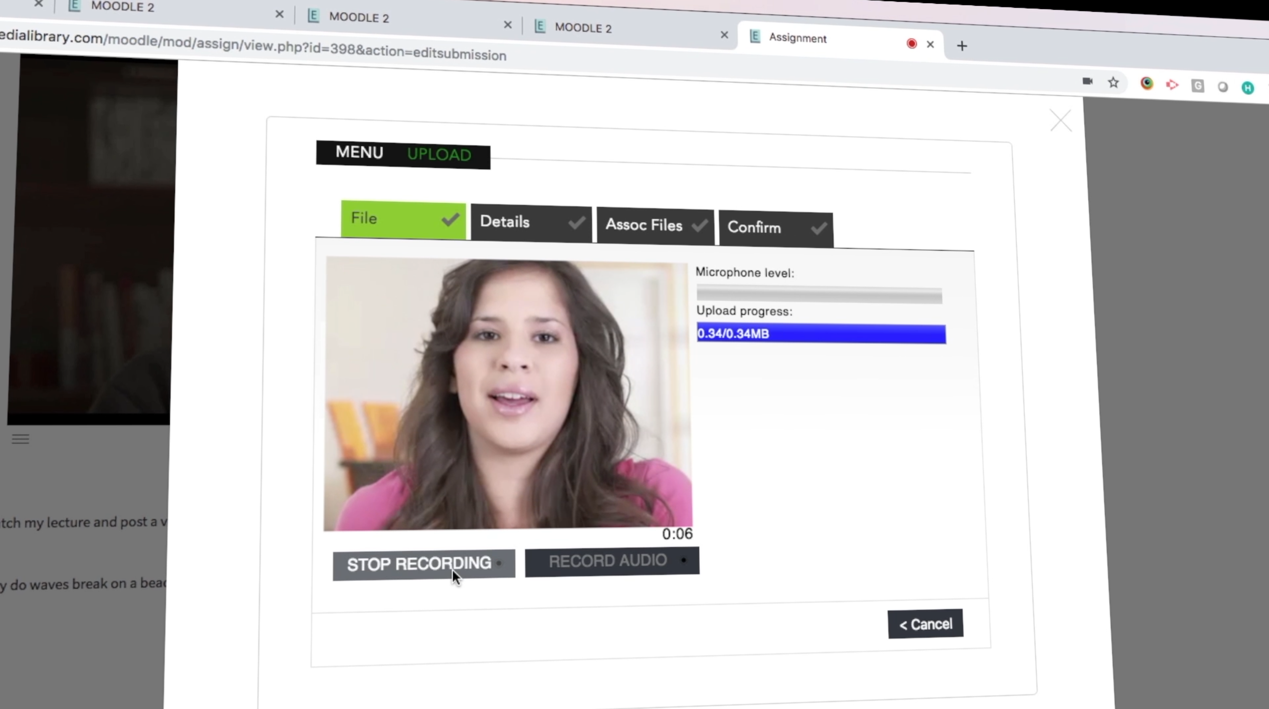
Presentations, language orals, practical demonstrations and reflective logs: video assignments let students show what they know. Students record or upload directly in the LMS, and lecturers grade without leaving it.
In the editor
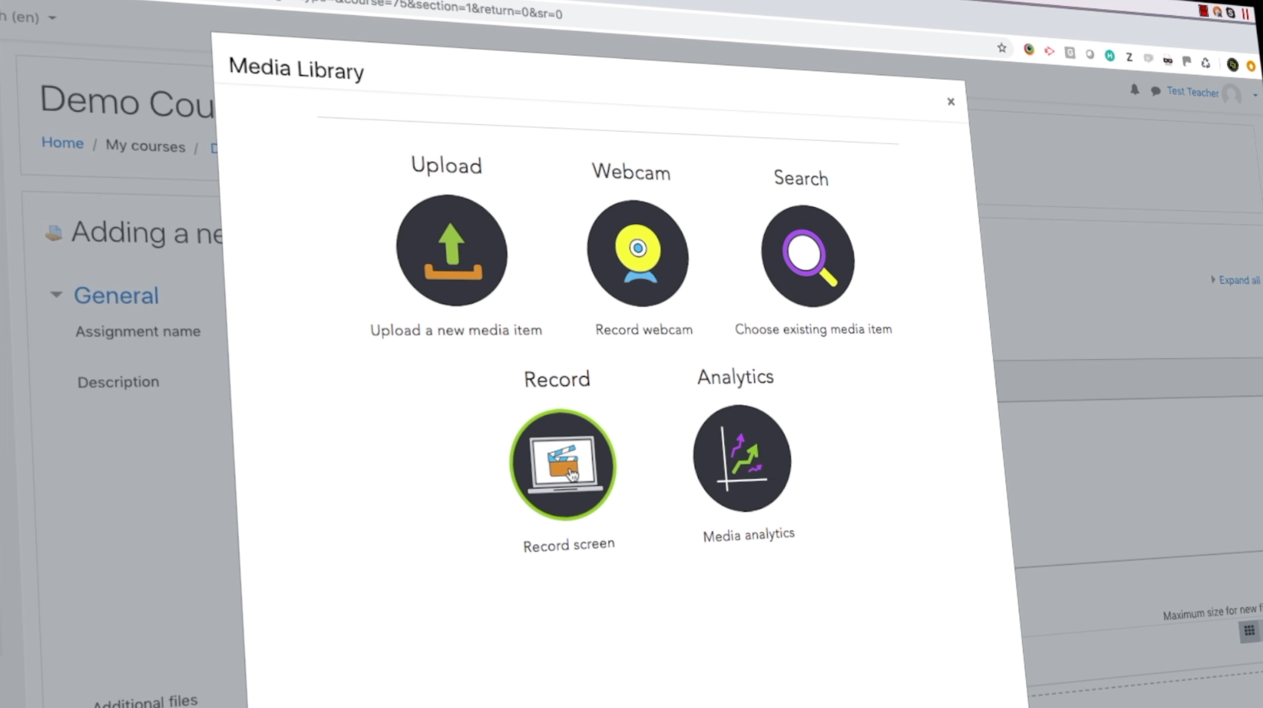
The MEDIAL button sits right in your LMS editor. Upload, record from the webcam or screen, or pick from your library, and the video is embedded in the page, already transcoded for every device.
Insight
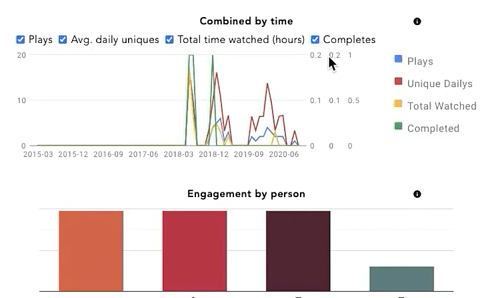
Admins and teachers get powerful analytics on which recordings are being viewed and by whom, giving you real signals about student engagement.
FAQ
MEDIAL integrates with Moodle (via the MEDIAL Plugin for Moodle), Canvas (the MEDIAL Canvas Video App), Blackboard and D2L Brightspace. If you use another LMS, contact us about custom integration.
No. Video is stored and streamed by MEDIAL, not your LMS, which keeps your LMS fast and avoids storage limits and costs.
Yes. MEDIAL uses LTI 1.3, so results from AI video quizzes can be written directly into the Moodle, Canvas or Blackboard gradebook.
With MEDIALite (our SaaS plan) you can connect your LMS in minutes. Self-hosted and enterprise deployments typically take a few days with help from our team.
Better together
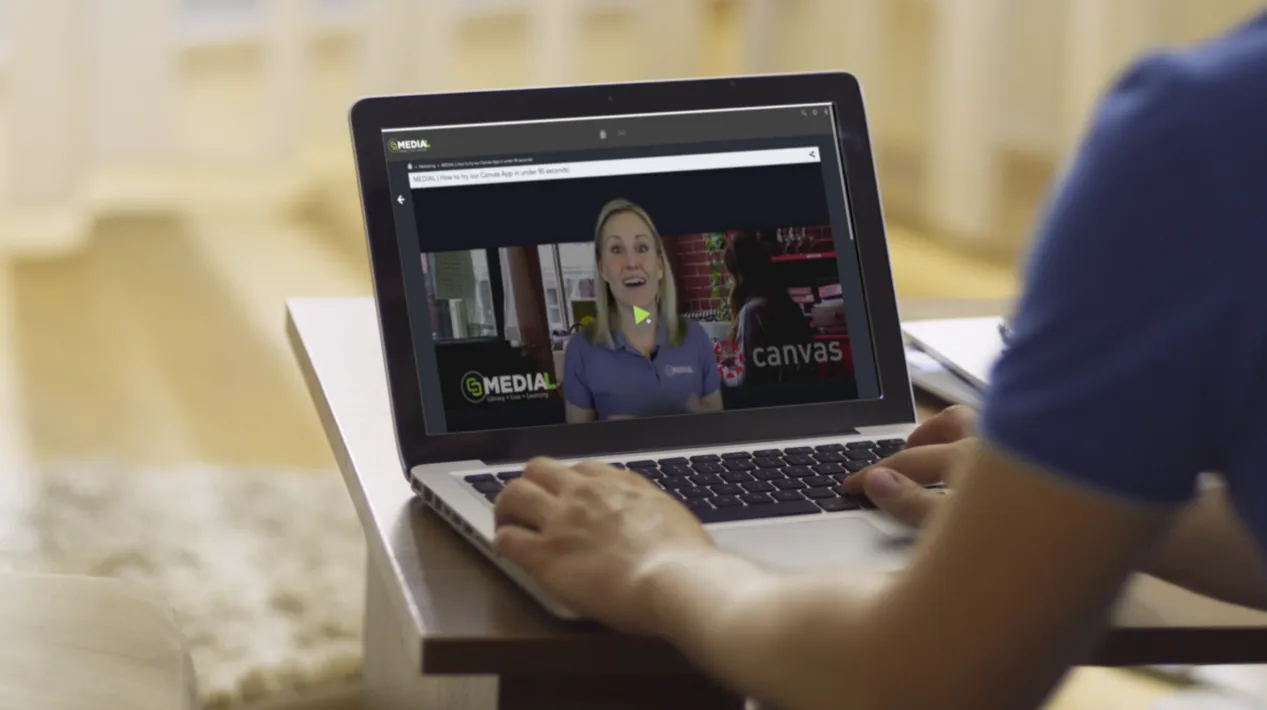 L
LYour secure, YouTube-style home for every video and audio file.
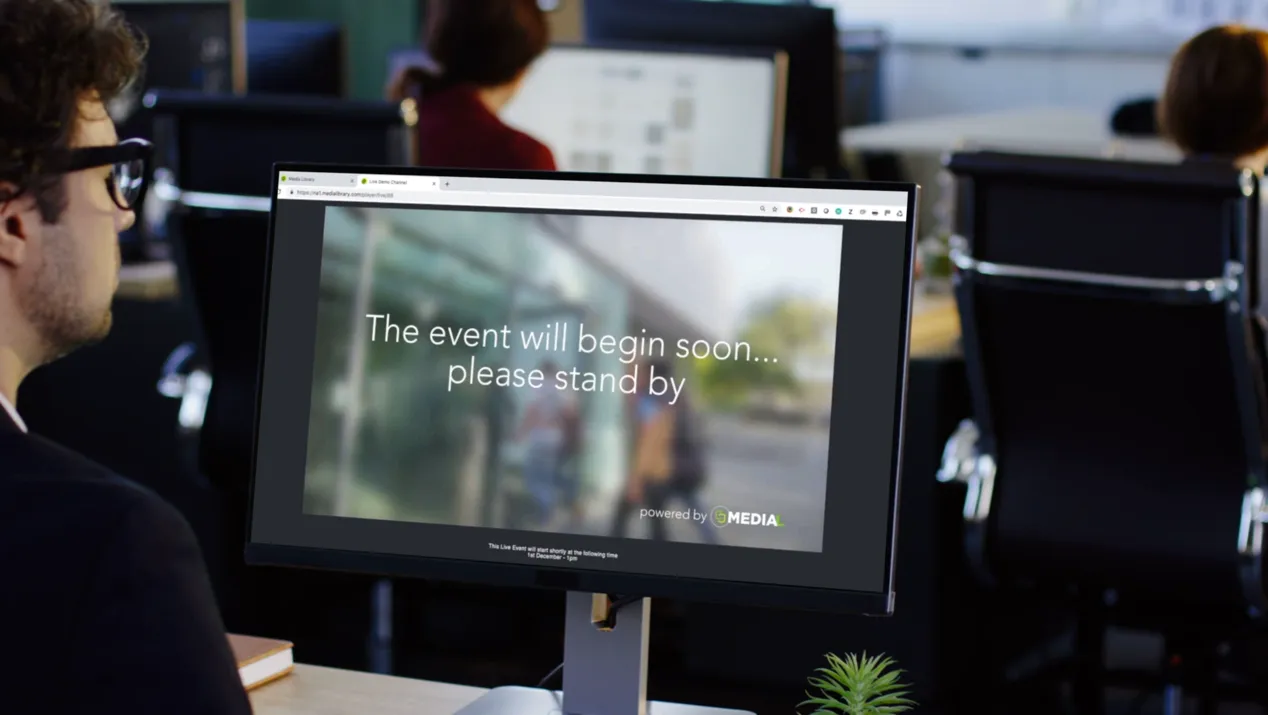 L
LSchedule, stream, brand and automatically archive live events.
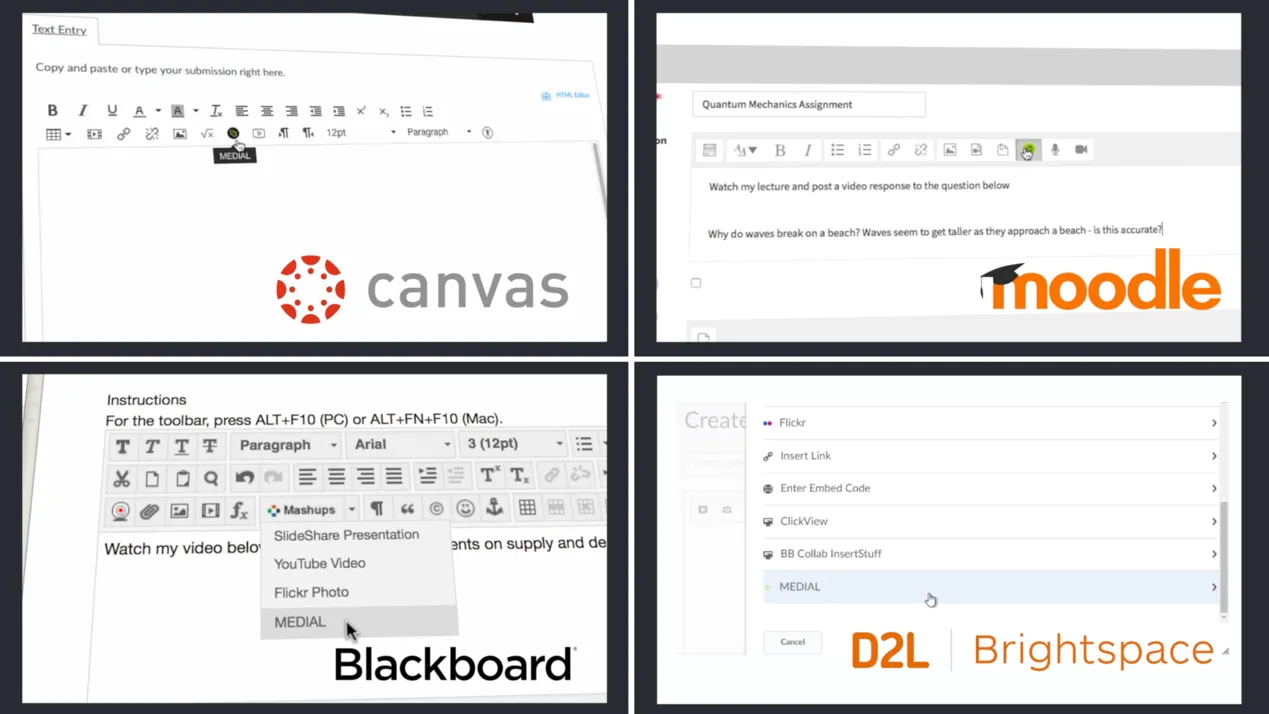 L
LRecord, submit, grade and quiz with video, without leaving your LMS.
Resources
This video gives a quick look at how MEDIAL works with Microsoft Teams, showing off some neat features that could really help out your...
Read article
This video shows how Medial's Zoom integration can help your organization. It covers the main features and how setting it up can be a...
Read article
This video is all about making video editing simple with Medial. We'll walk through the main editing tools available in both the CMS and...
Read articleLibrary · Live · Learning
Book a 30-minute demo with our team. We’ll walk through Library, Live and Learning with your LMS and workflows in mind, and help you choose the right deployment.