
Product News· 2 min read
MEDIAL | Teams Integration
This video gives a quick look at how MEDIAL works with Microsoft Teams, showing off some neat features that could really help out your...
Read articleMEDIAL Live
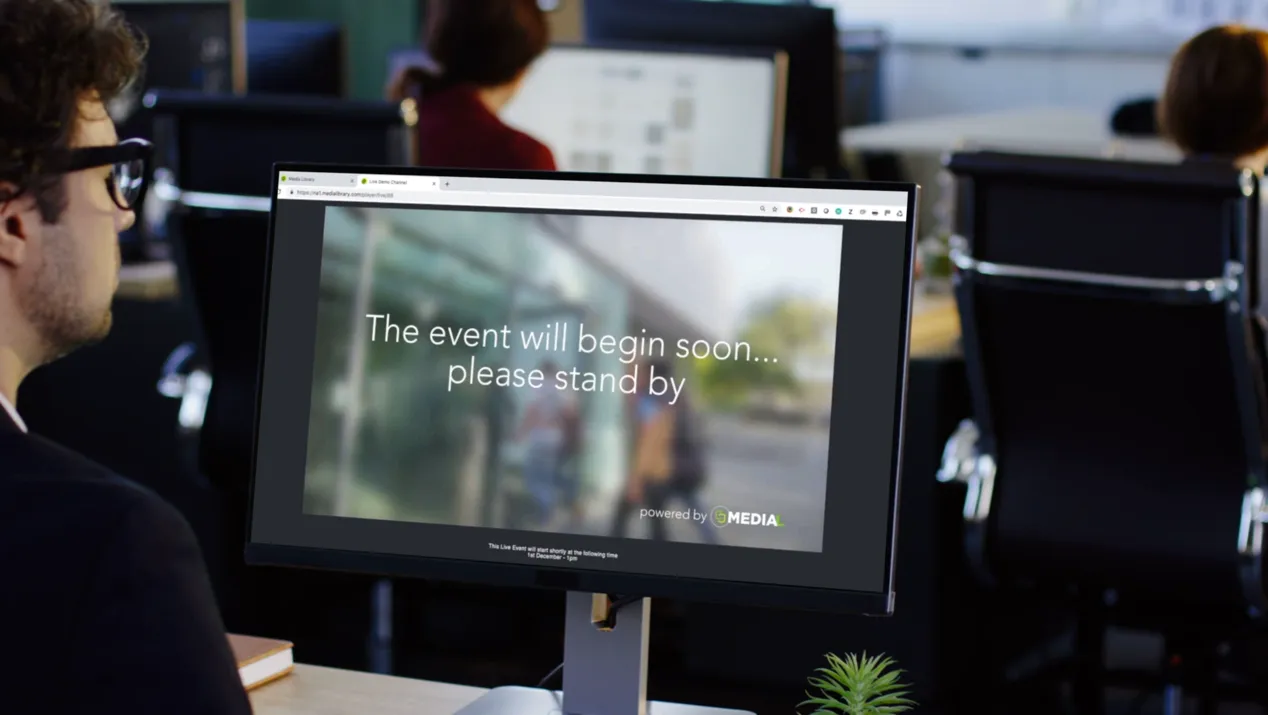
Publish, schedule and archive live events in a few clicks, with no specialist knowledge required. Give your audience a single branded URL to visit before, during and after the event, and let MEDIAL take care of the rest.

Trusted by universities, colleges and businesses in more than 20 countries













MEDIAL Live
Once your encoder is running, one click makes the stream available. MEDIAL creates the watch page for you, ready to embed anywhere.
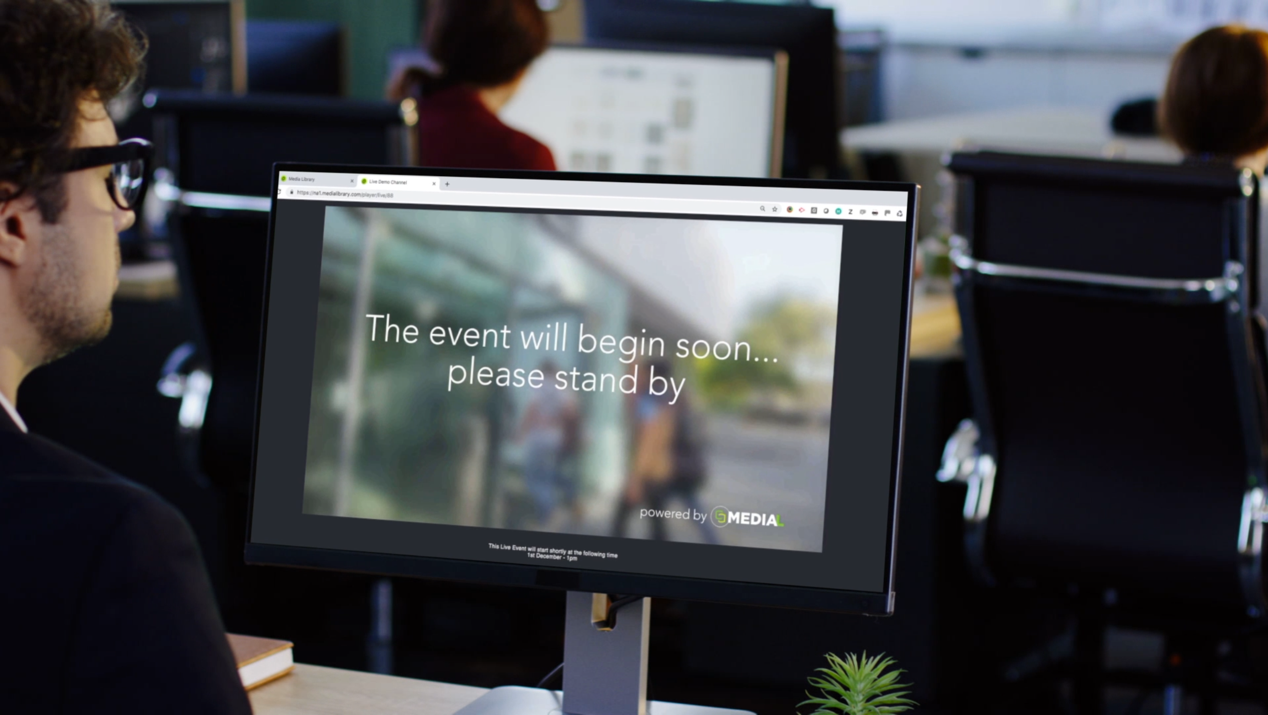
Make events available by date and time, with a buffer either side in case you start early or run over.
When the stream ends, MEDIAL archives the recording to a predefined category so it is instantly available on demand.
Permission both the live stream and the archive so only the right users can watch, linked to your directory services.
Branded pre-roll and holding pages give viewers one URL to visit before, during and after the event.
MEDIAL is not fussy about the encoder you use: hardware appliances, software encoders and OBS all work.
Workflow
Start your encoder and publish. MEDIAL builds the live page, applies your branding and permissions, and serves the stream at scale using industry-leading streaming technology.
After the event
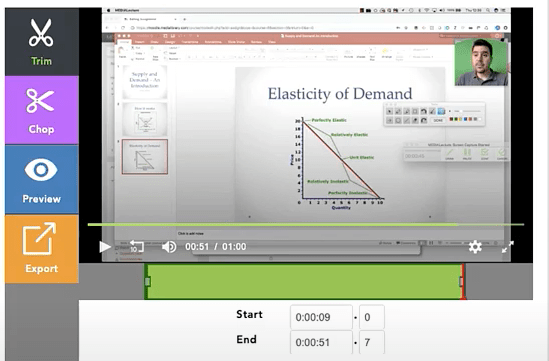
Recordings are archived automatically into MEDIAL Library, where they can be captioned, trimmed, chaptered and shared, so your events keep delivering value long after they end.
FAQ
A camera and an encoder. MEDIAL works with hardware encoders and software encoders such as OBS. Once your encoder is connected, publishing is a single click.
Yes. Live streams and their archives can be permissioned to specific users and groups, linked to your Active Directory, LDAP or single sign-on.
Yes. When a stream ends, MEDIAL automatically archives it to a predefined content category, where it can be captioned, edited and shared on demand.
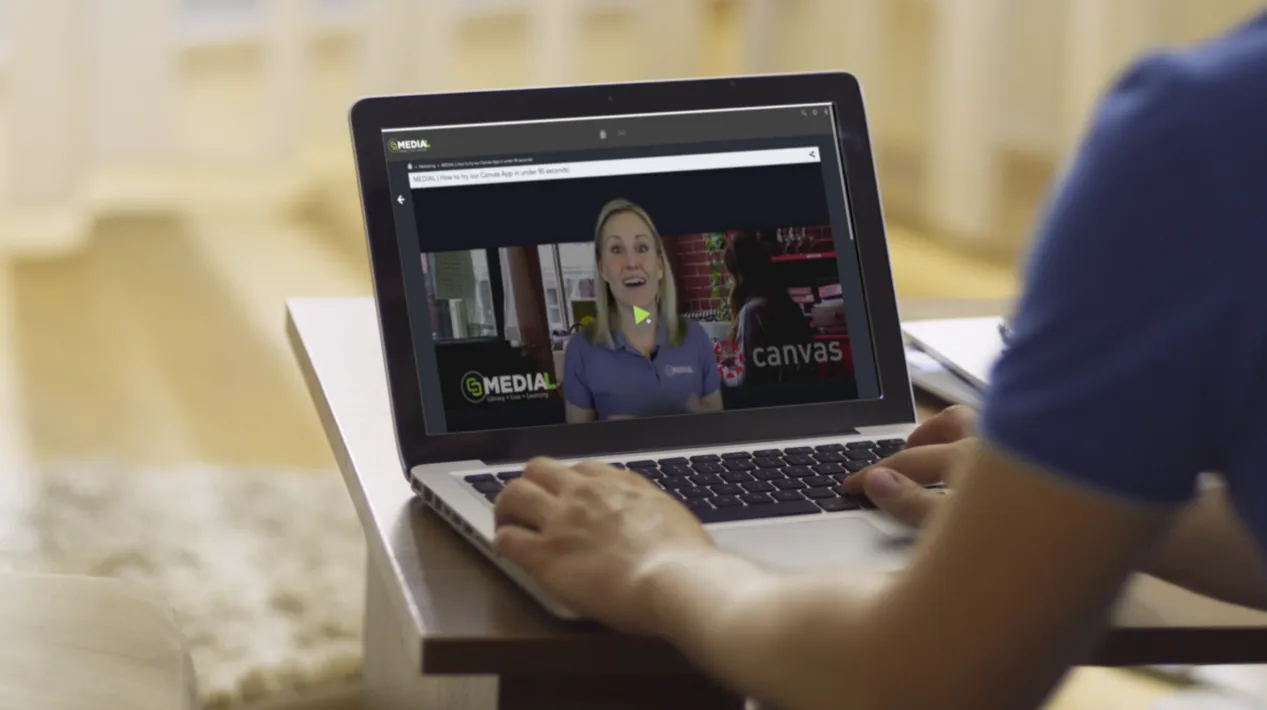
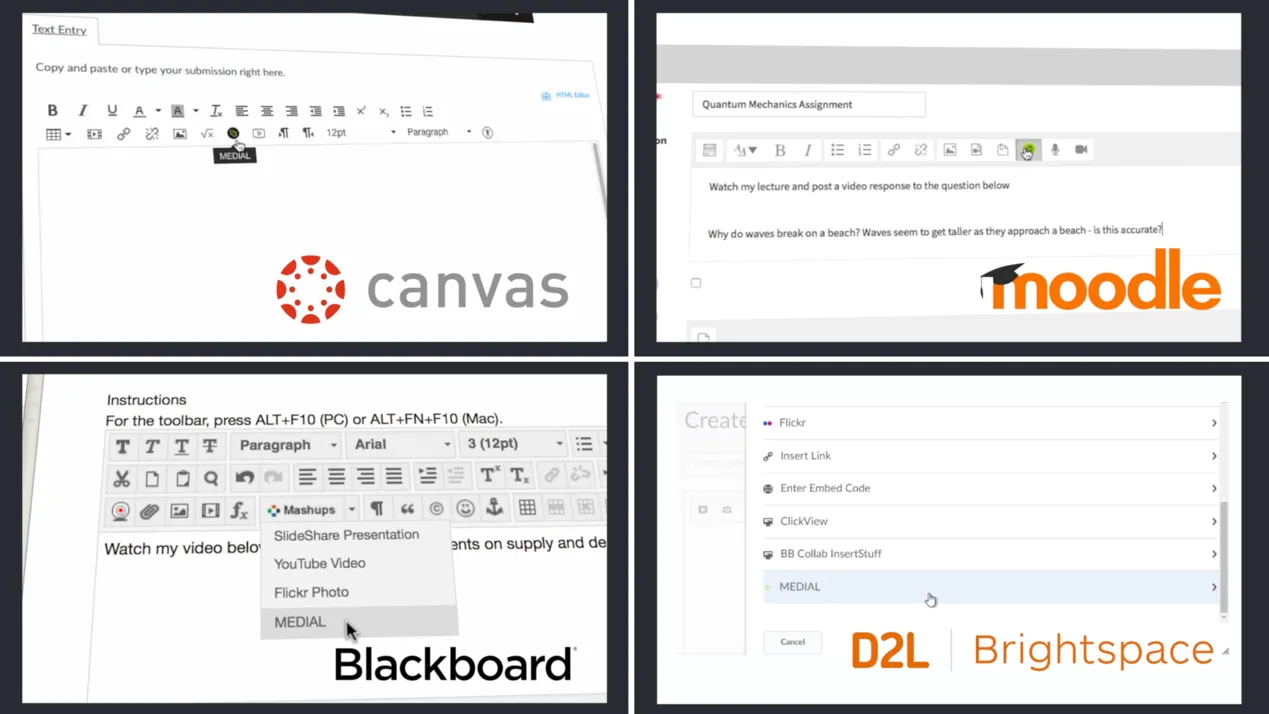
Yes. MEDIAL creates a live page that can be embedded wherever you like, including course pages in your LMS.
Better together
 L
LYour secure, YouTube-style home for every video and audio file.
 L
LSchedule, stream, brand and automatically archive live events.
 L
LRecord, submit, grade and quiz with video, without leaving your LMS.
Resources
This video gives a quick look at how MEDIAL works with Microsoft Teams, showing off some neat features that could really help out your...
Read article
This video shows how Medial's Zoom integration can help your organization. It covers the main features and how setting it up can be a...
Read article
This video is all about making video editing simple with Medial. We'll walk through the main editing tools available in both the CMS and...
Read articleLibrary · Live · Learning
Book a 30-minute demo with our team. We’ll walk through Library, Live and Learning with your LMS and workflows in mind, and help you choose the right deployment.