
Product News· 2 min read
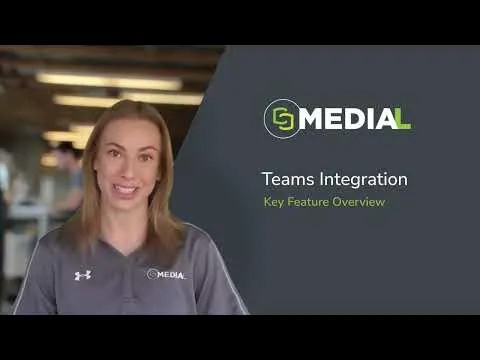
MEDIAL | Teams Integration
This video gives a quick look at how MEDIAL works with Microsoft Teams, showing off some neat features that could really help out your...
Read articleMEDIAL Library
Give staff, students and employees one secure place to upload, tag, search and watch video. MEDIAL Library handles transcoding, adaptive streaming, captions and permissions, so your content plays everywhere and only the right people can see it.

Trusted by universities, colleges and businesses in more than 20 countries













MEDIAL Library
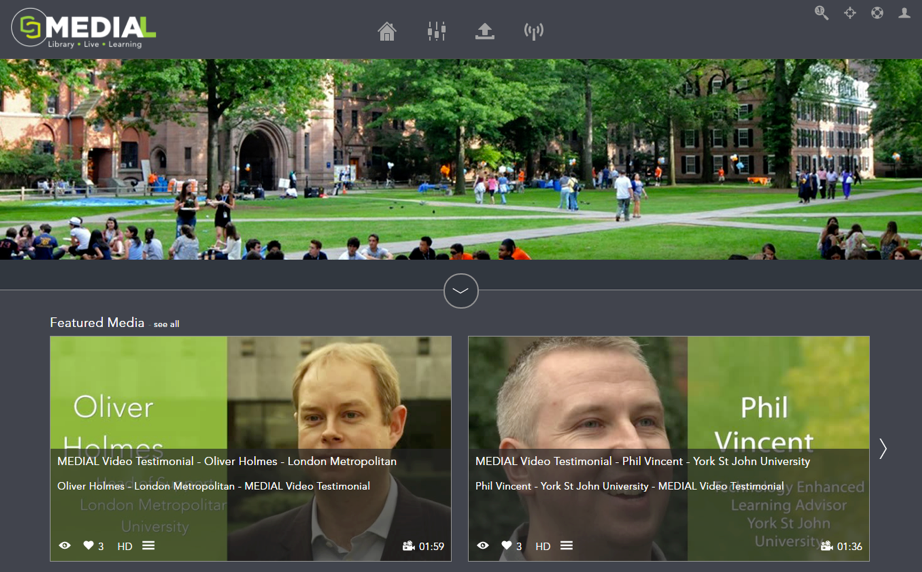
A YouTube-style front end with featured media, categories, playlists and search, styled to your institution or company brand.
Secure access with your existing directory services or SSO, then control who can view, upload and publish by user, group or category.
Trim, chop and export new clips from existing recordings, as destructive or non-destructive edits, with no desktop software to install.
Caption every upload automatically, then search inside videos and jump straight to the moment a topic is mentioned.
See what is being watched, by whom and for how long, from the whole library down to a single video.
Automatically archive or remove media by rule, so you keep what you need and control storage costs.
Embed anywhere, connect to Moodle, Canvas, Blackboard, Brightspace, Zoom and Teams, or build on our documented API.
Run a fully redundant, load-balanced system and add encoders as demand grows. Enterprise-grade security keeps media assets protected.
Portal
The "YouTube generation" expects video to just work on every device. MEDIAL Library gives lecturers, trainers, students and employees a familiar experience to share content, while you keep control of where it lives and who can see it.
Administration
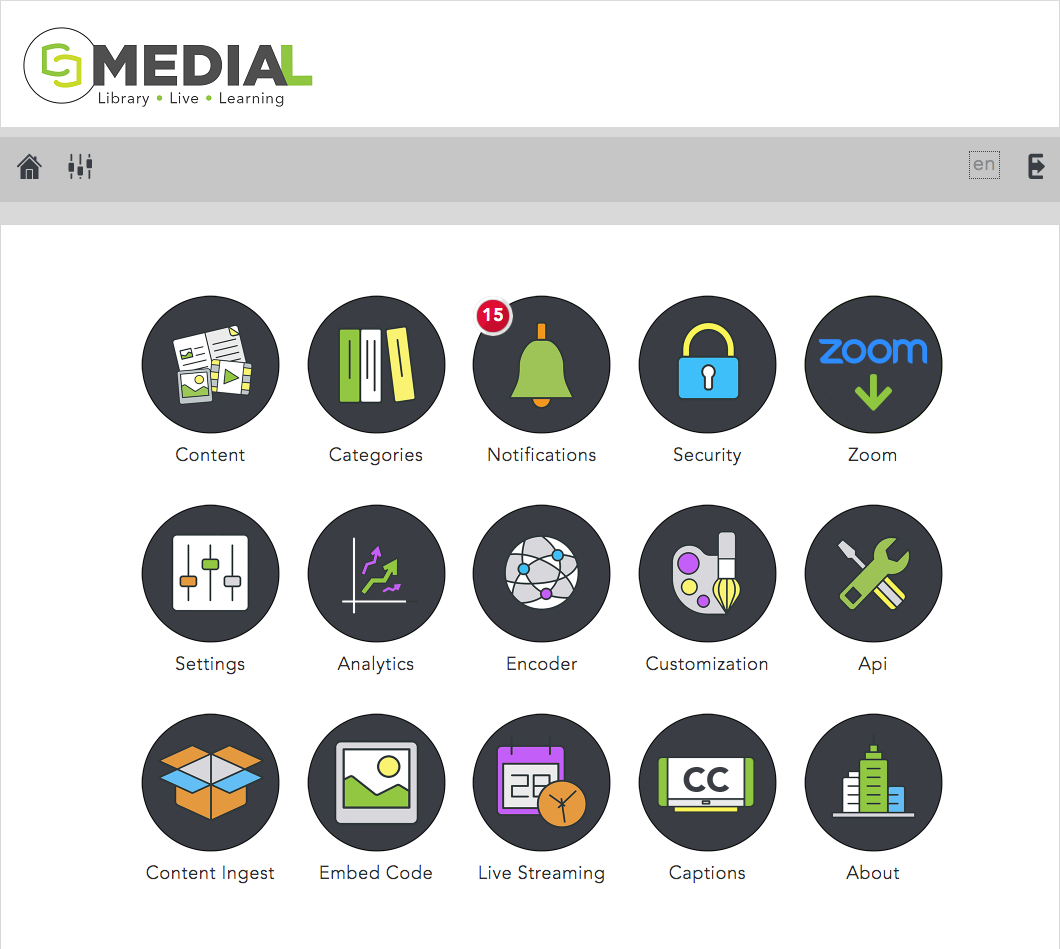
Manage content, categories, security, encoders, integrations, captions and analytics from a single dashboard. Ingest Zoom and Teams recordings automatically and apply retention rules across the library.
Playback
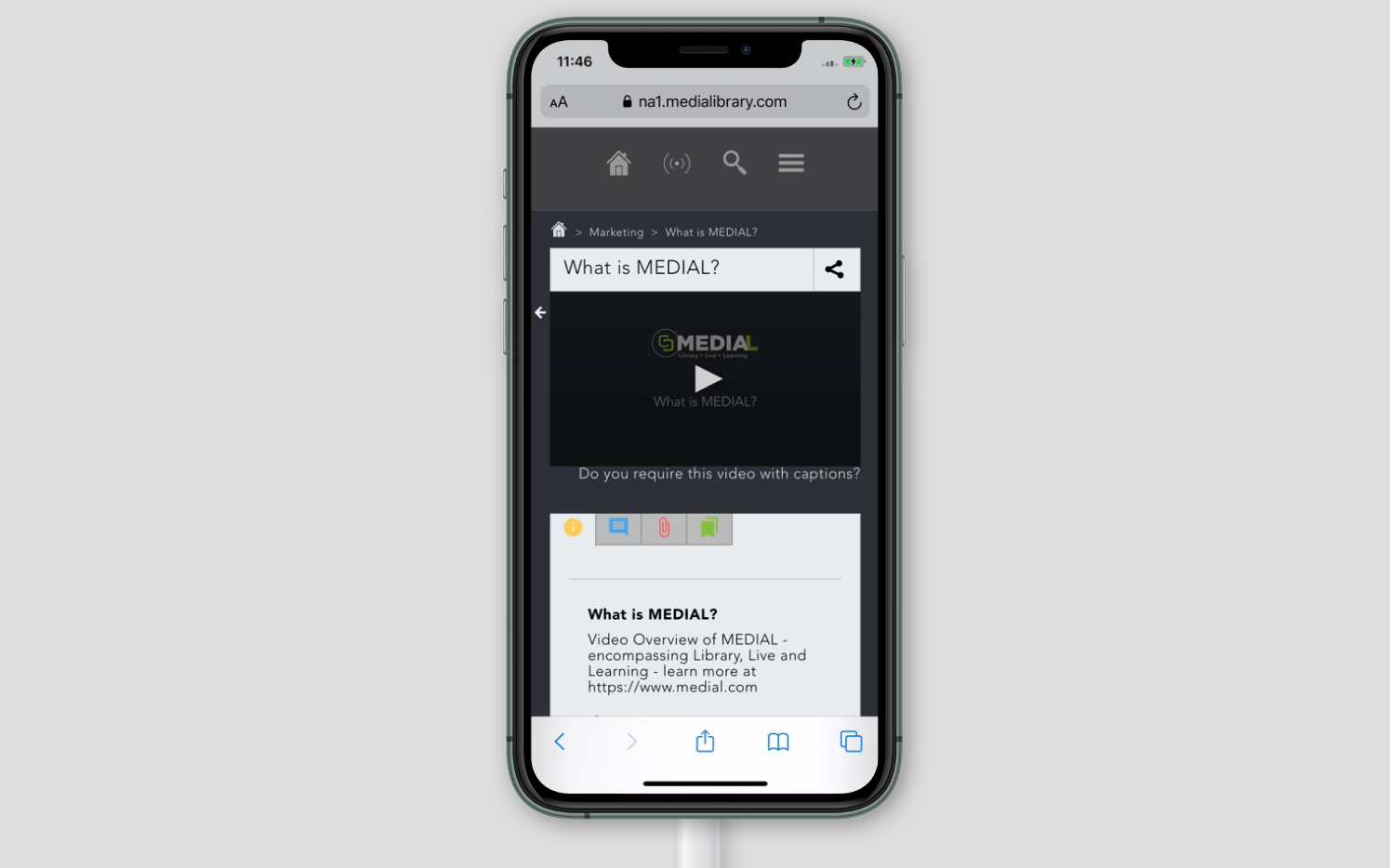
MEDIAL does the hard work of transcoding each upload into adaptive bit-rate renditions, so video starts fast and plays smoothly on laptops, tablets and phones, inside or outside your network.
FAQ
Yes. MEDIAL can be deployed on-premise on your own servers and network, in your own AWS or Azure cloud account, or as a fully managed SaaS service in the MEDIAL Cloud.
MEDIAL integrates with your existing Active Directory or LDAP directory and with single sign-on, so users sign in with the credentials they already have. Access to content can then be restricted by user, group or category.
MEDIAL accepts common video and audio formats and automatically transcodes them for adaptive streaming. You can also attach associated documents such as Office files, PDFs and caption files to a media item.
Yes. Our team regularly helps institutions move libraries from platforms such as Kaltura, Panopto, YuJa and Mediasite. Book a demo and we will scope your migration.
Better together
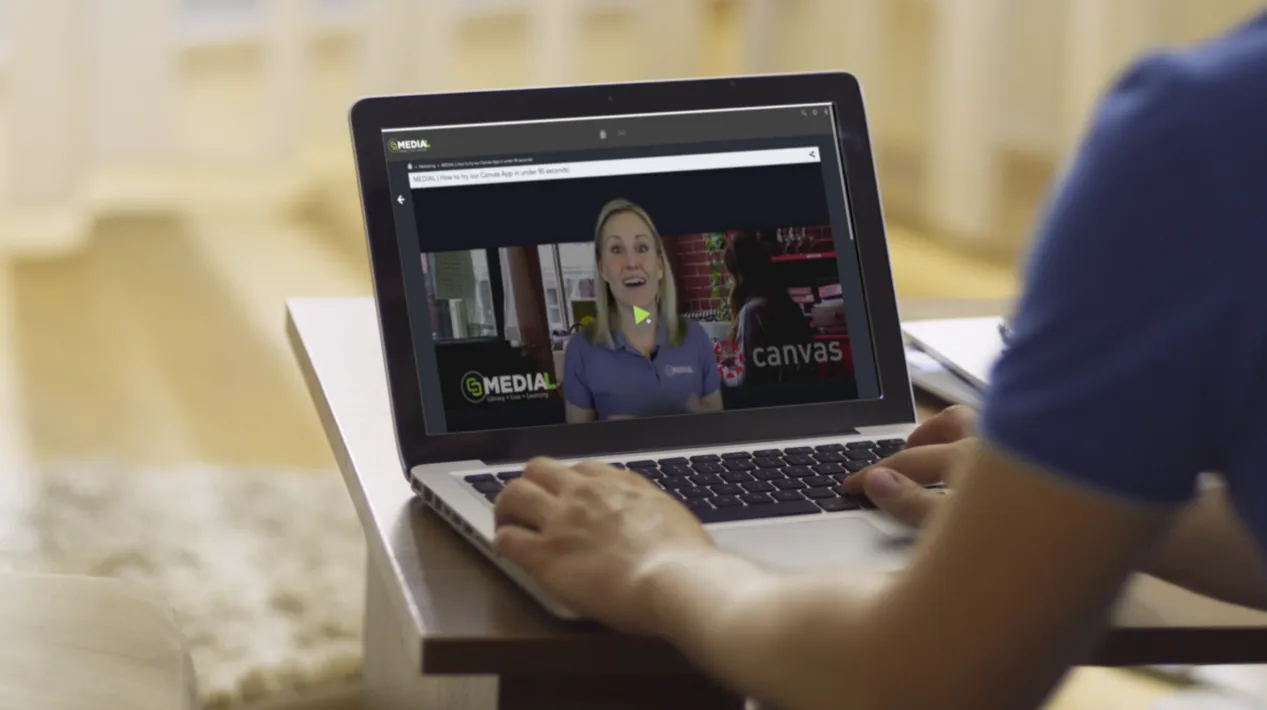 L
LYour secure, YouTube-style home for every video and audio file.
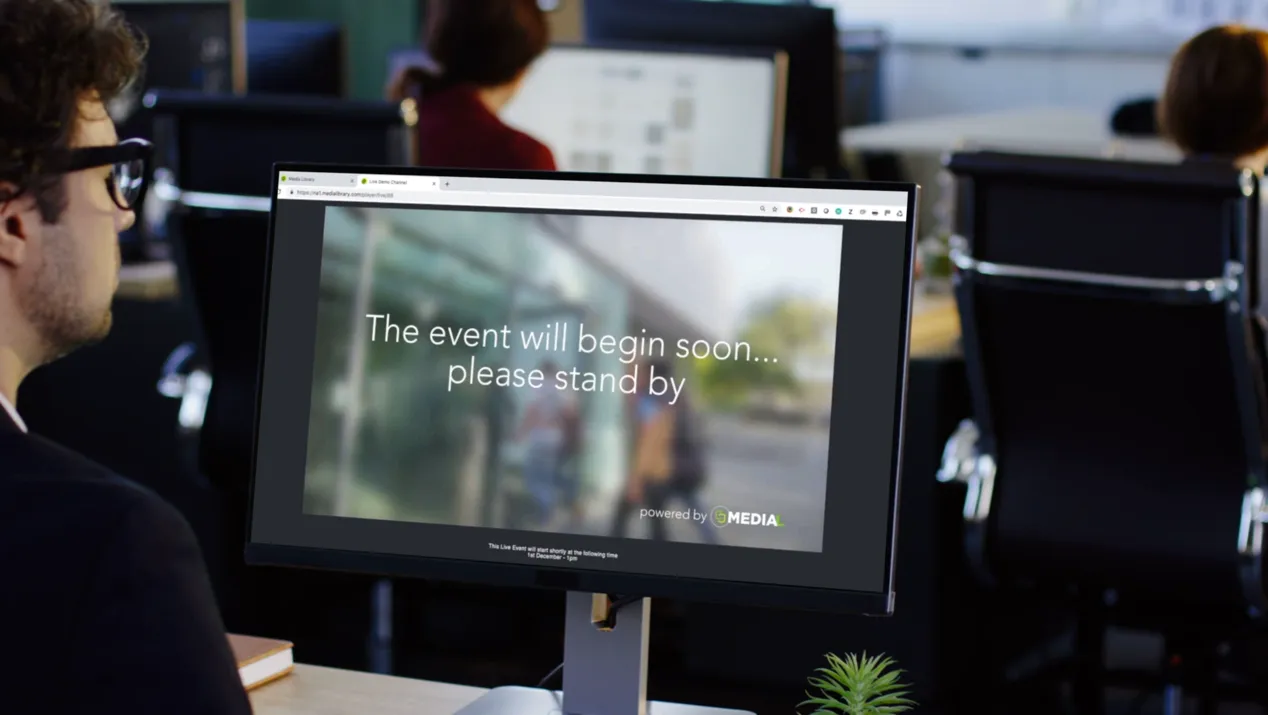 L
LSchedule, stream, brand and automatically archive live events.
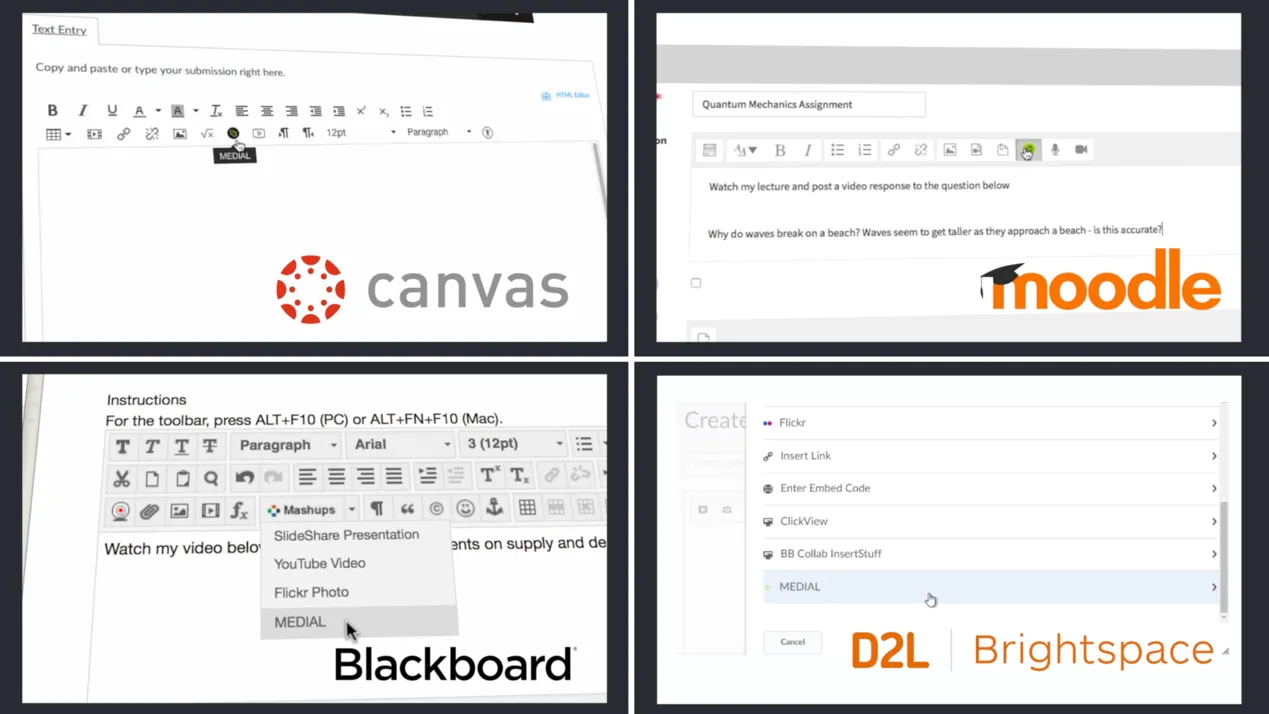 L
LRecord, submit, grade and quiz with video, without leaving your LMS.
Resources
This video gives a quick look at how MEDIAL works with Microsoft Teams, showing off some neat features that could really help out your...
Read article
This video shows how Medial's Zoom integration can help your organization. It covers the main features and how setting it up can be a...
Read article
This video is all about making video editing simple with Medial. We'll walk through the main editing tools available in both the CMS and...
Read articleLibrary · Live · Learning
Book a 30-minute demo with our team. We’ll walk through Library, Live and Learning with your LMS and workflows in mind, and help you choose the right deployment.