MEDIAL blog

Insights on video for learning

Practical guides, product news and webinars on video in education and corporate training, from lecture capture and live streaming to accessibility and AI.

RSS feed
· 5 min read

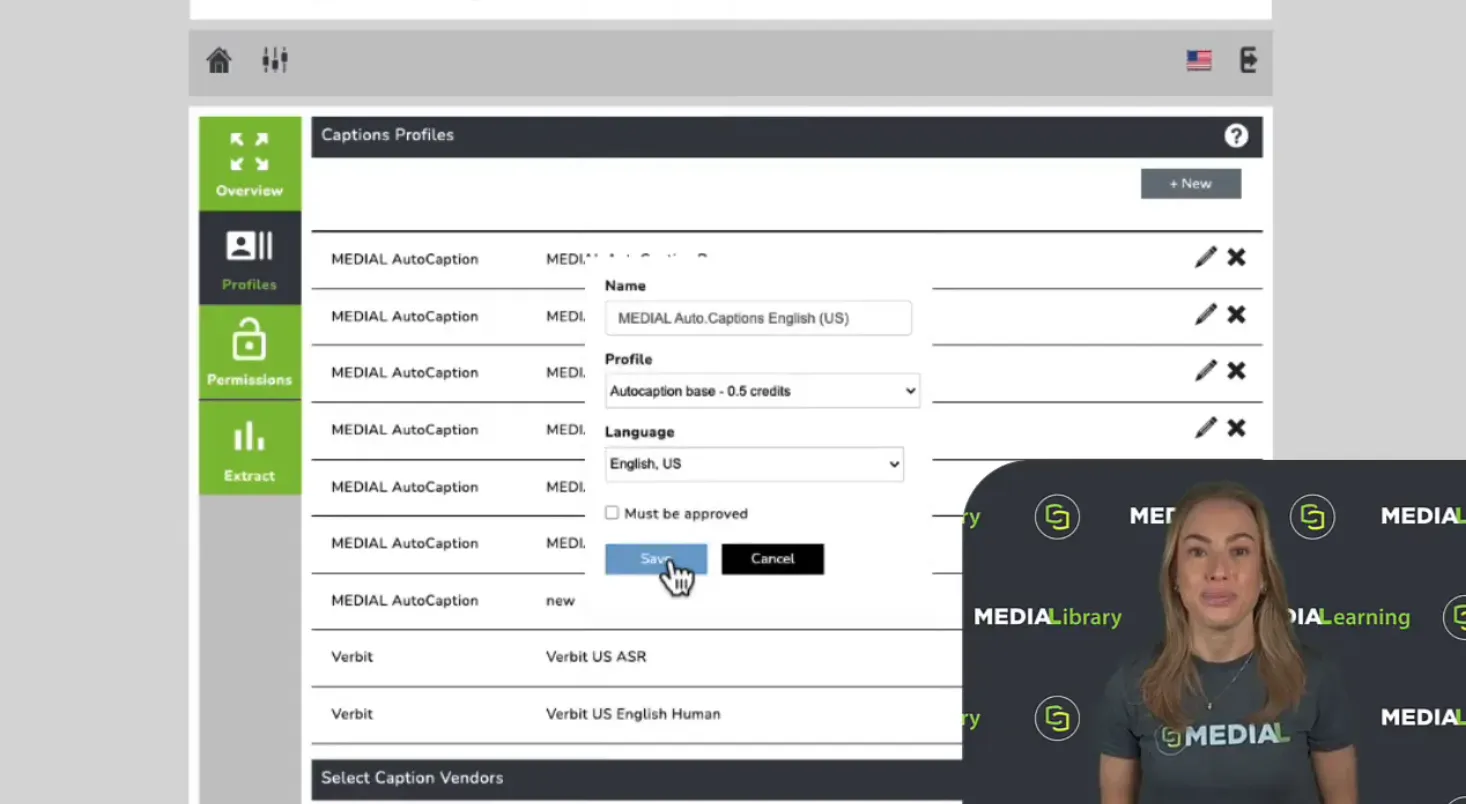
How to Enable Closed Captions in MEDIAL

Closed captions help make video content more accessible and reach a wider audience. In MEDIAL, getting them set up starts with two straightforward decisions: which caption profile to use, and who should have permission to use it. From there, you can let people request captions manually, automatically caption uploads from selected users or groups, or give designated users responsibility for approving requests. That flexibility means you can build a captioning workflow around the way your...

Read article
· 12 min read

Independent Learning Plans for Today's Learners

Master independent learning plans with practical templates and implementation strategies for students, teachers, and corporate trainers using modern LMS tools.

Read article
· 2 min read

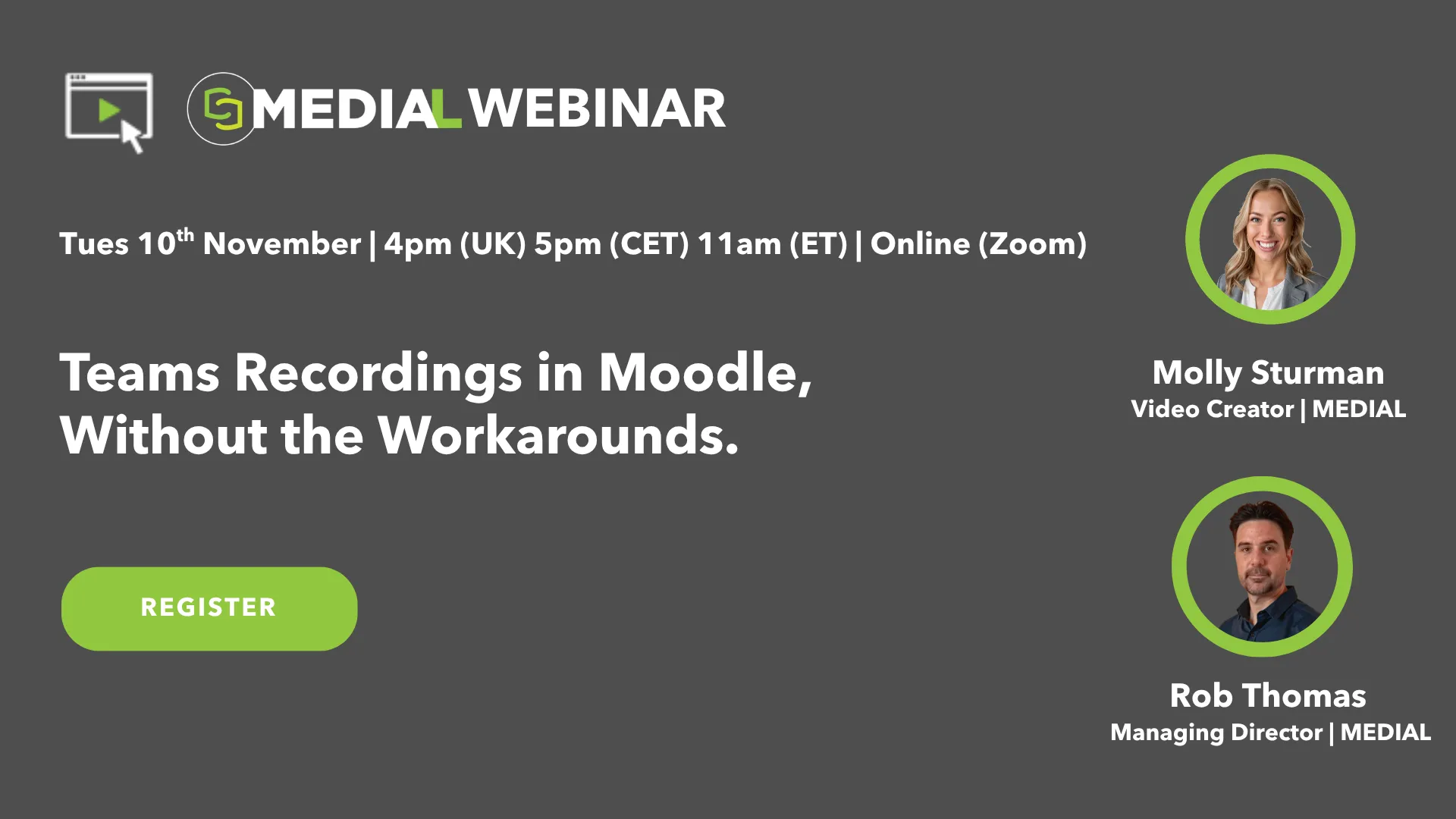
Teams Recordings in Moodle, Without the Workarounds.

Register here Your teachers teach in Microsoft Teams, and your students learn in Moodle, but the two don’t work well together. Getting a recording in front of students usually means changing sharing settings, copying links or downloading huge files, one lesson at a time. Even then, students can still hit sign-in prompts and “access denied” messages. In this webinar, we’ll show how MEDIAL sends Teams recordings into Moodle automatically, with nothing new for teachers to learn. You’ll see where...

Read article
· 5 min read

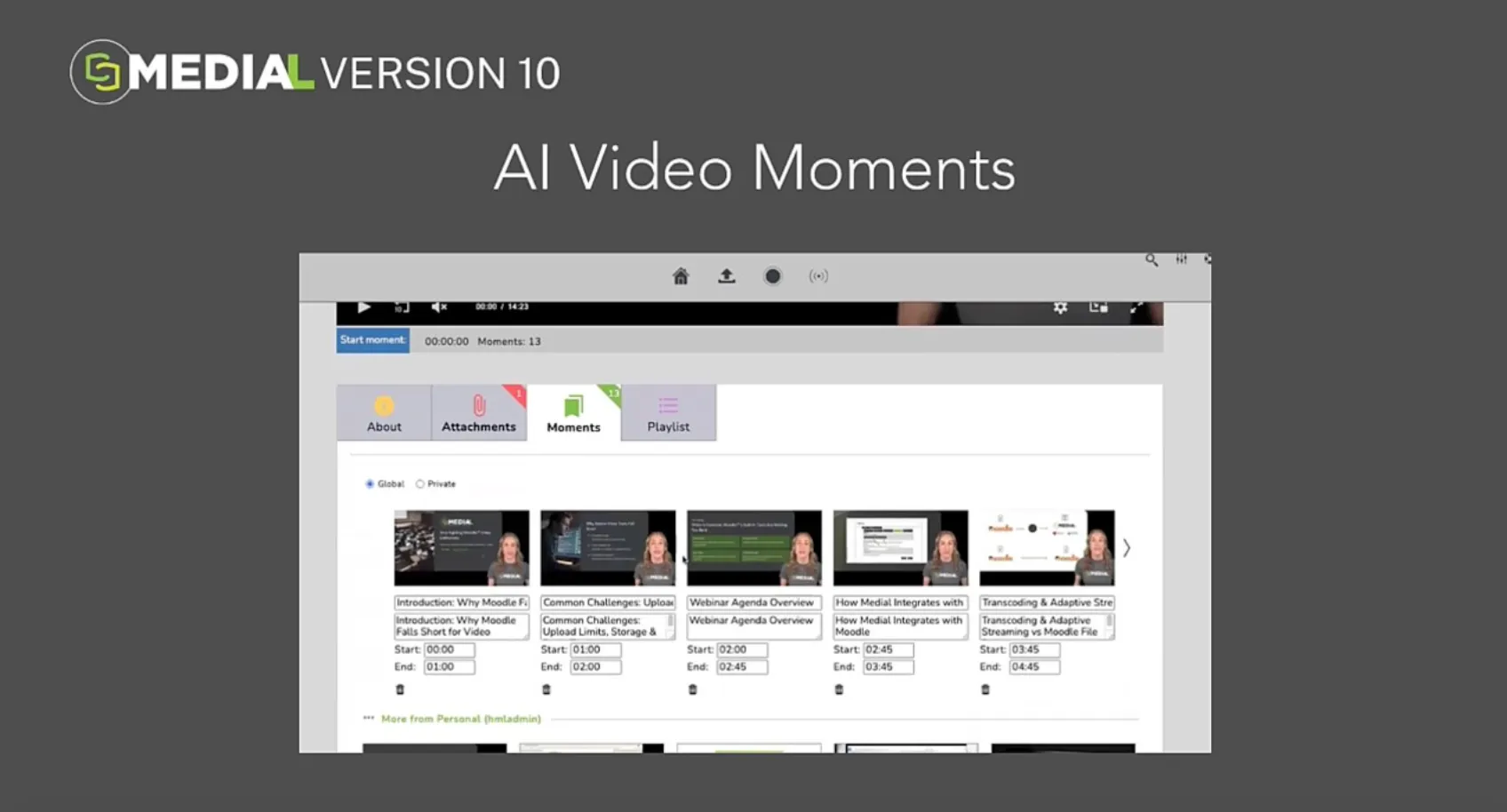
What’s New in MEDIAL Version 10: Smarter Search and Global Reach

Great educational video should be easy to find, easy to navigate, and easy to understand. As video libraries grow, those essentials become even more important. A student revising for an exam might need one explanation from a long lecture, not the entire recording. Another learner might find the right material but need captions or audio in a different language. MEDIAL Version 10 brings those needs together. With AI Video Moments, Natural Language AI Search, Multi-Language Captions, and...

Read article
· 5 min read

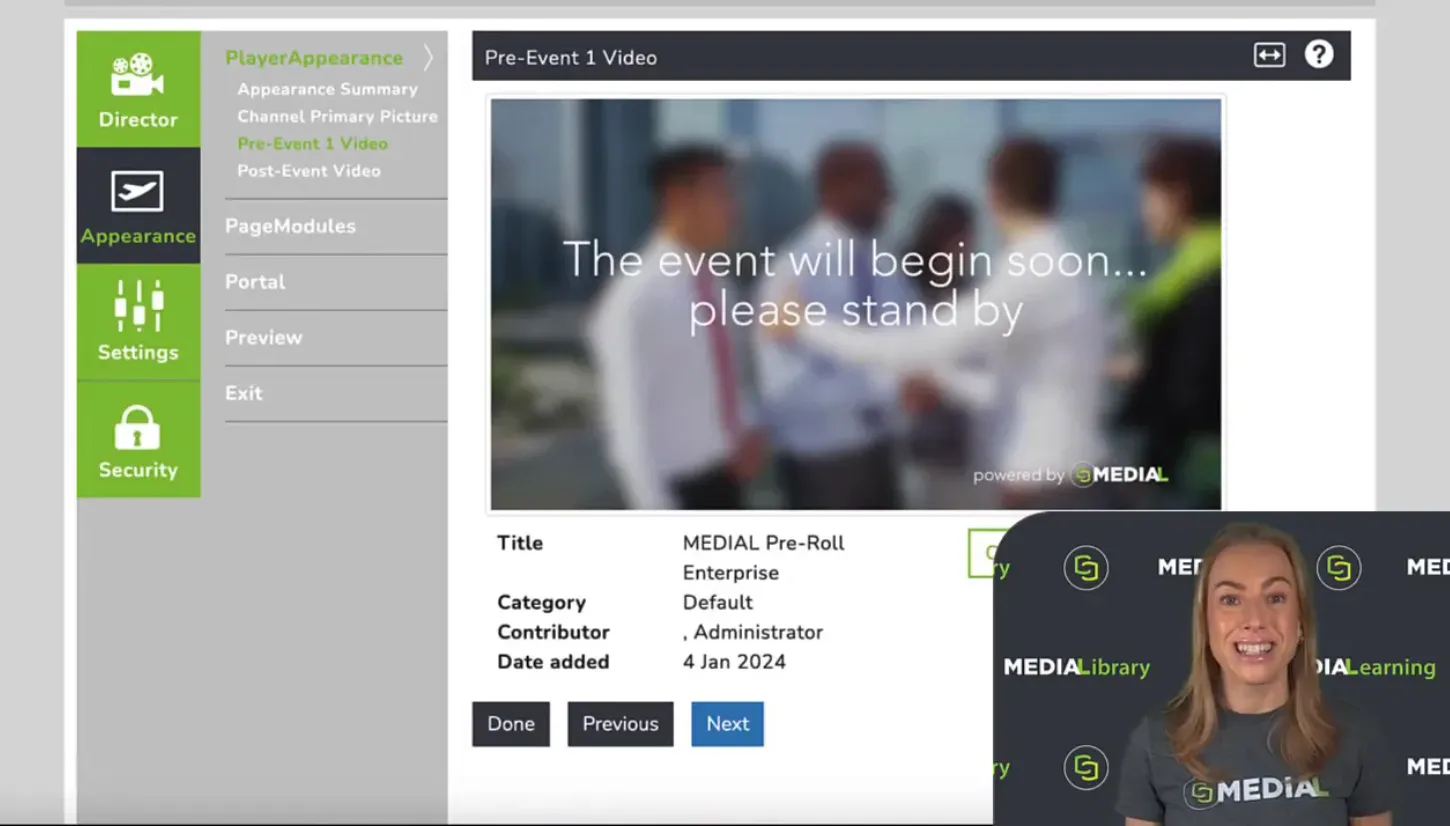
How to Set Up a Live Stream with MEDIAL and OBS

A great live stream starts before the live broadcast begins. The holding screen, branding, event information and recording settings all help create a polished experience from start to finish. With MEDIAL and OBS, you can bring those pieces together in a straightforward workflow. MEDIAL controls the event page and what your audience sees at each stage, while OBS sends your live stream into MEDIAL. Once you have configured your channel, customised its appearance and entered the connection...

Read article
· 5 min read

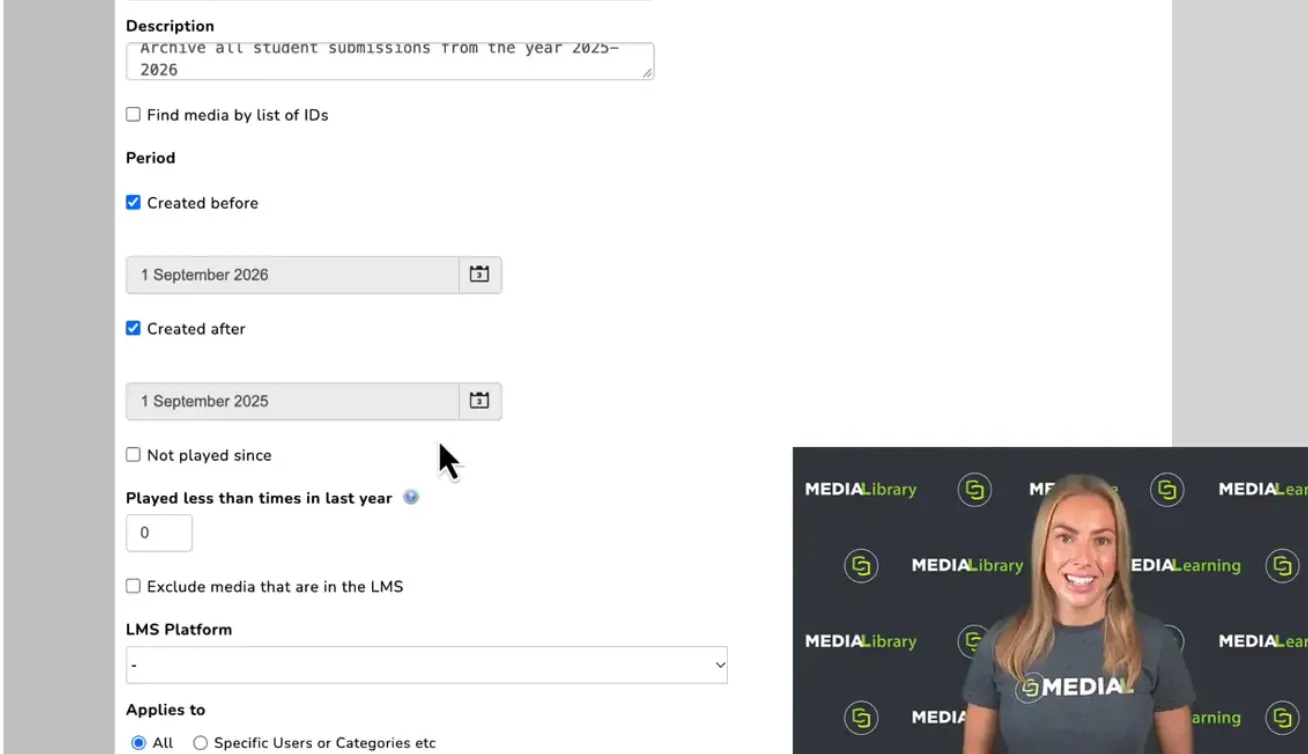
MEDIAL Content Policies: Manage Rules and Archive Videos for Cost-Effective Storage

Video assignments create valuable evidence of learning. But once you have been using video submissions, recorded feedback and quiz videos for a while, another question becomes increasingly important: what happens to all that content afterwards? Keeping everything in active storage indefinitely can make a growing video library expensive to maintain. Deleting older files, however, may mean losing material you need for a grading query or an external examiner’s review. MEDIAL content policies...

Read article
· 11 min read

What Is Media Asset Management for eLearning

Discover what is media asset management and how it transforms eLearning. Explore workflows, LMS integrations, security, and how platforms like MEDIAL empower

Read article

Library · Live · Learning

See MEDIAL in action

Book a 30-minute demo with our team. We’ll walk through Library, Live and Learning with your LMS and workflows in mind, and help you choose the right deployment.