
· 12 min read
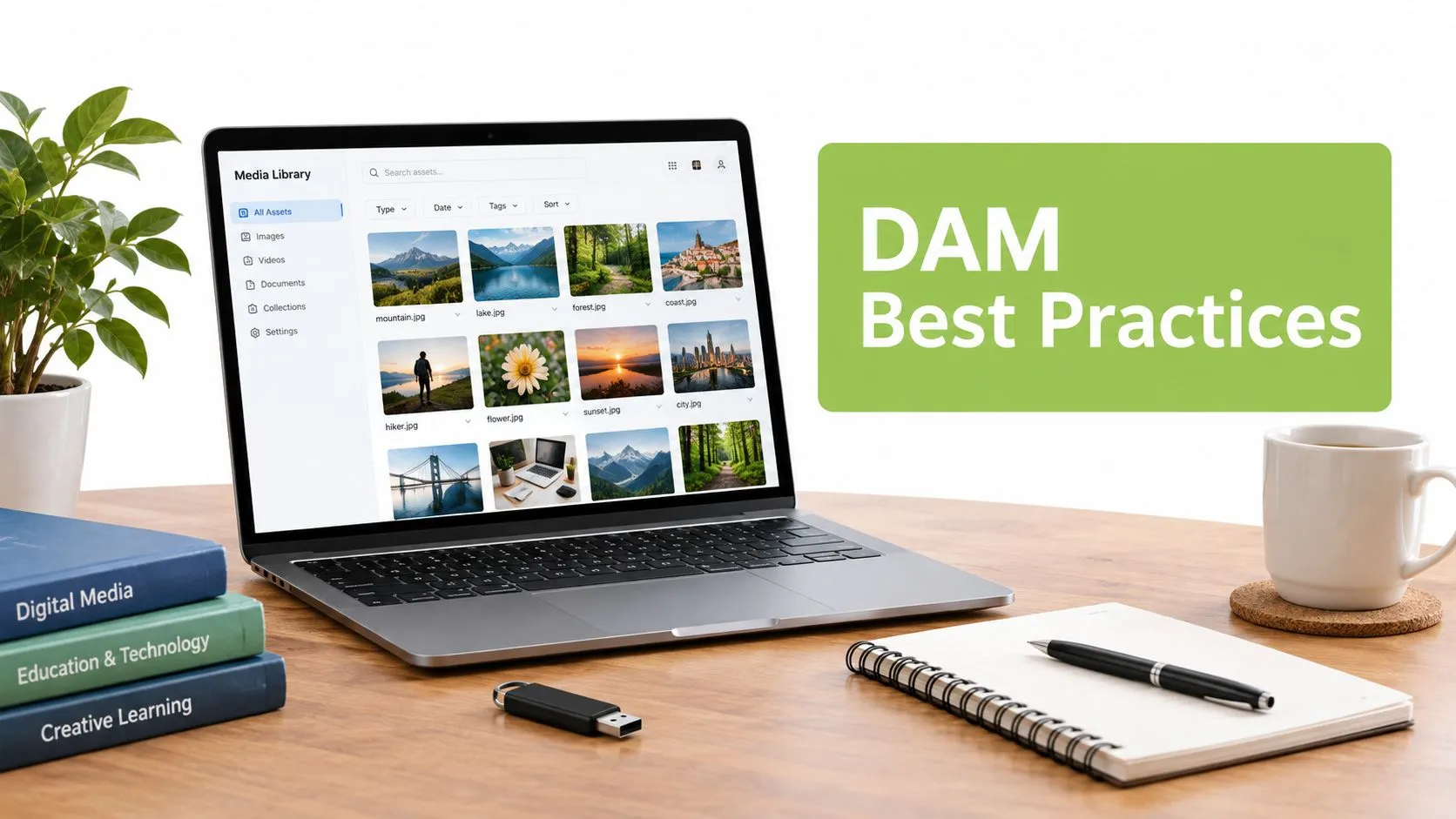
Digital Asset Management Best Practices for LMS Teams
Digital asset management best practices for educators and L&D teams: governance, metadata, access control, captioning and LMS workflow tips you can apply today.
Read articleMEDIAL blog
Practical guides, product news and webinars on video in education and corporate training, from lecture capture and live streaming to accessibility and AI.
Digital asset management best practices for educators and L&D teams: governance, metadata, access control, captioning and LMS workflow tips you can apply today.
Read article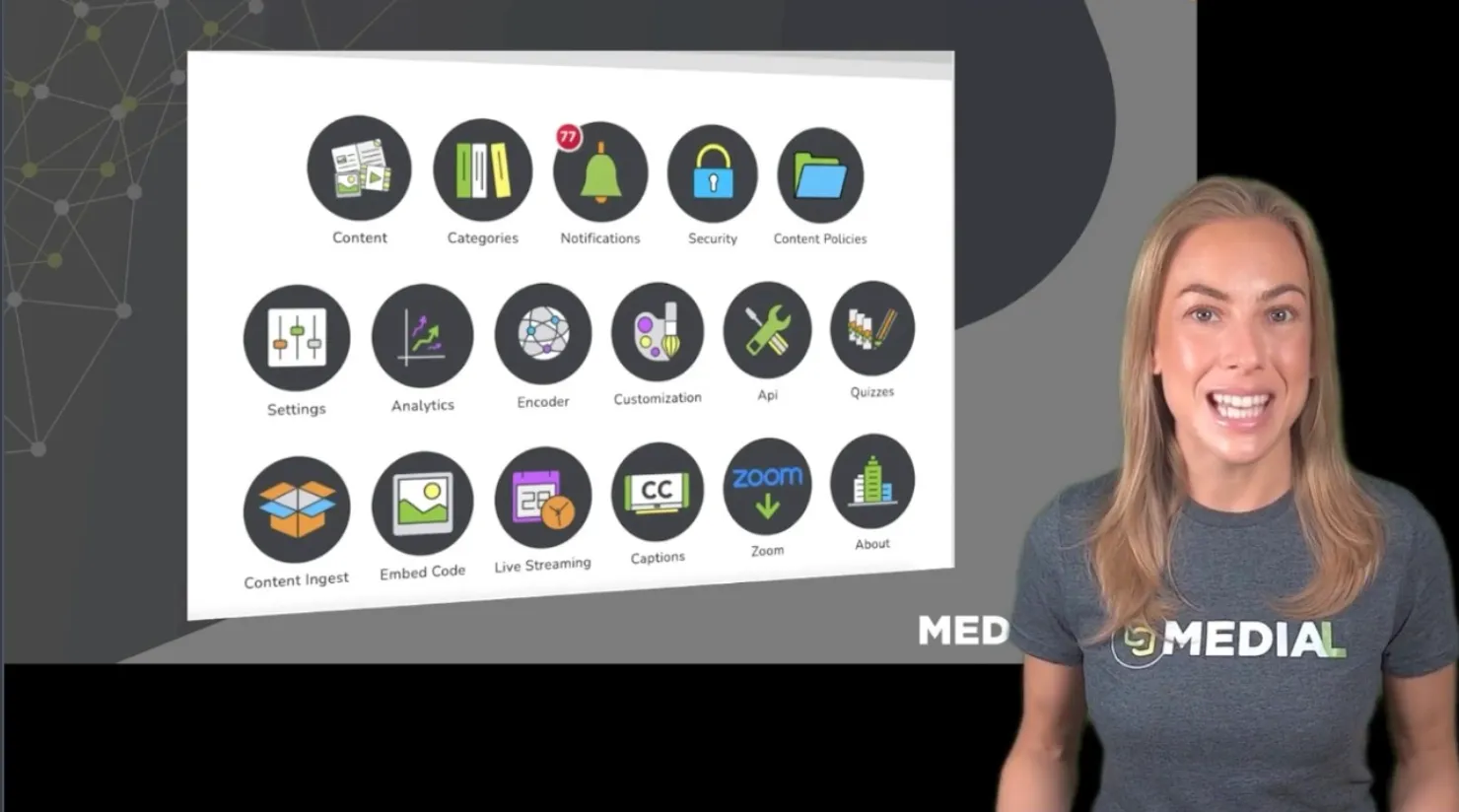
Cuando los vídeos de una organización se reparten entre reuniones grabadas, carpetas compartidas y distintas plataformas, encontrar el contenido adecuado puede convertirse en una tarea más difícil de lo necesario. Medial Library reúne la creación, la gestión y la distribución de vídeo en un único lugar. El objetivo es sencillo: que el contenido resulte fácil de utilizar para las personas y fácil de administrar para la organización. La plataforma combina dos espacios. Por un lado, un portal de...
Read article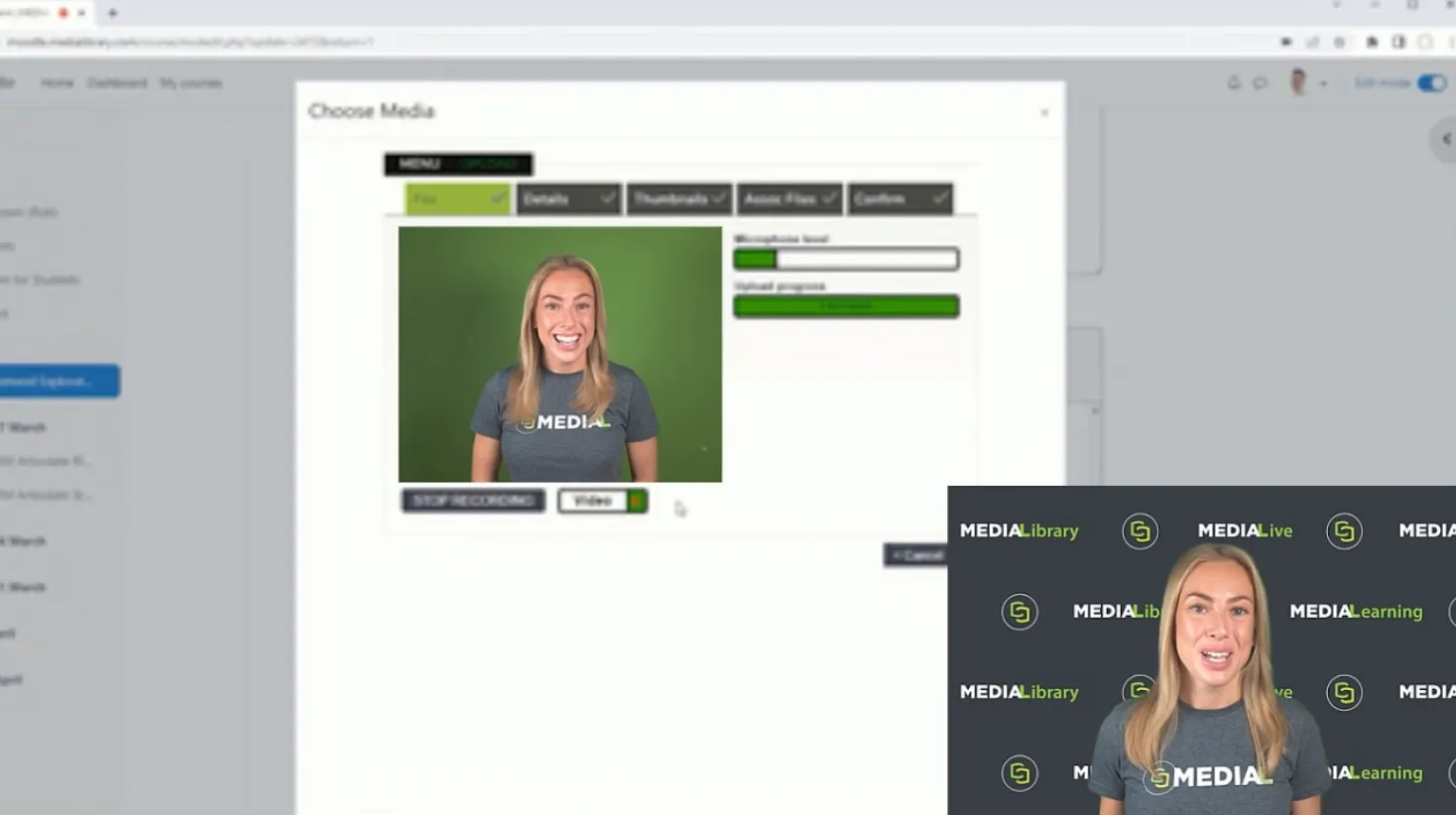
When an AI tool can produce a polished essay in seconds, assessing a student’s own thinking becomes more complicated. A written submission may be excellent, but it does not always show how the student arrived at an answer. Ask that student to explain their reasoning on camera, and you gain a different kind of evidence: their understanding in their own words. That is why video assignments matter now. They are not just a way to make coursework more engaging. They give students room to...
Read article
A video quiz is a great way to check understanding while students work through course material. With MEDIAL, you can start with a video, generate questions using AI, edit them to suit your class, and place them at points along the video timeline. When students finish, they can see their score, which also appears in the grade section of their Moodle course. Here is the complete setup process, from adding the activity in Moodle to checking the student experience. Table of Contents Start in your...
Read article
Learn how to combine video audio in browsers, NLEs, and ffmpeg with practical steps for sync, codecs, exports, and troubleshooting.
Read article
Learn how to plan, produce and deploy a corporate training video that engages learners, meets accessibility standards and integrates with your LMS.
Read article
Learn the key accessibility standards for video, including WCAG, ADA, and EN 301 549, with practical tips for captions, audio description, and LMS workflows.
Read article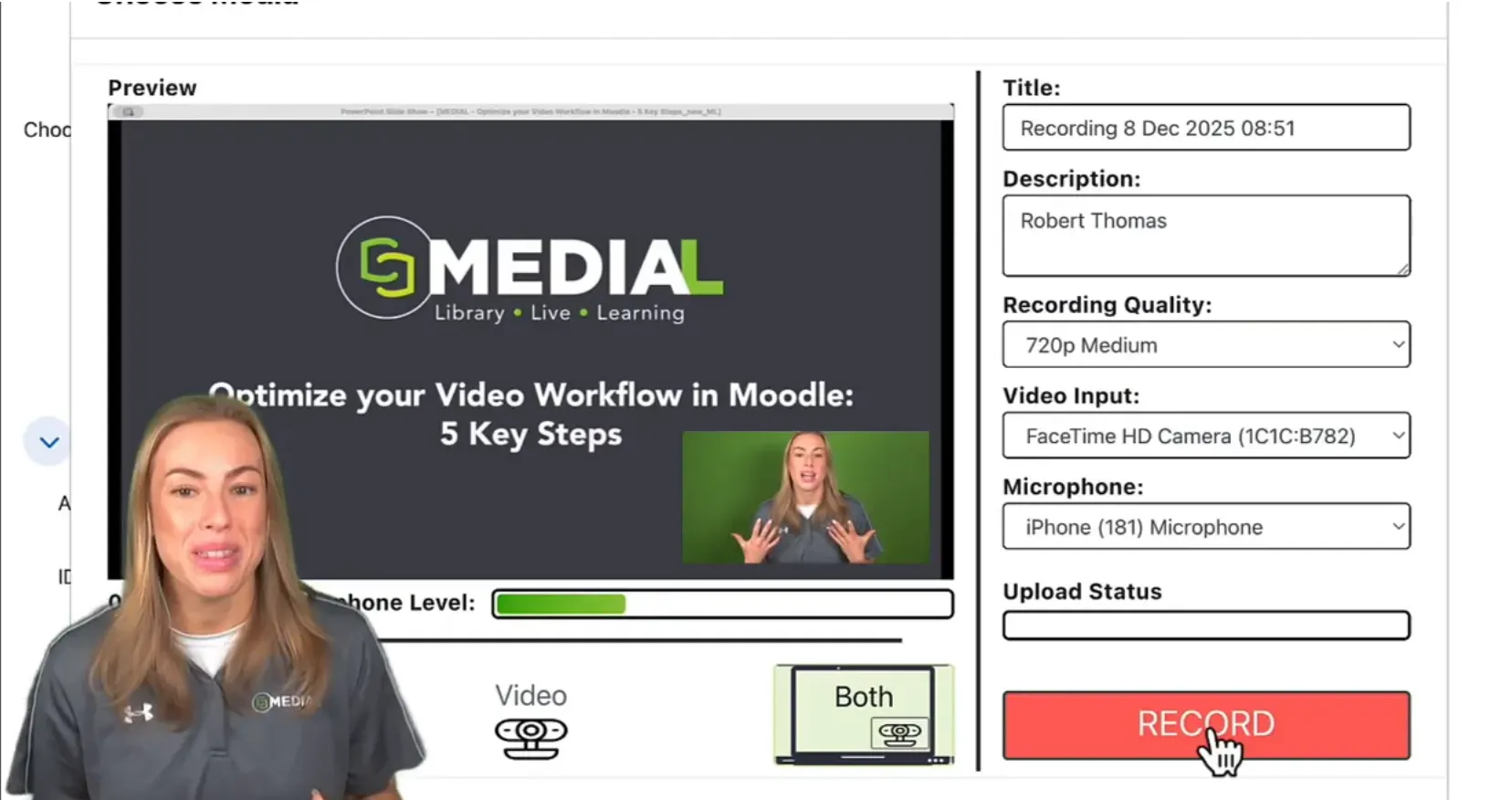
Recording a PowerPoint presentation with your webcam should be simple. The main issue is that PowerPoint often takes over the full screen during a slideshow, leaving no room for your camera feed. The result is a recording where the presenter disappears behind the slides. The fix is a quick setup change in PowerPoint, followed by the right sharing selection in MEDIALecture. Once it is configured, you can keep your slides clear, position your webcam where it will not cover key content, and...
Read article
Learn how automated transcription services work, how accurate they really are, and how to choose and deploy them for accessible education and training.
Read article
Learn how to measure student engagement with a practical step-by-step framework. Covers behavioural, cognitive and emotional indicators, surveys, LMS analytics
Read article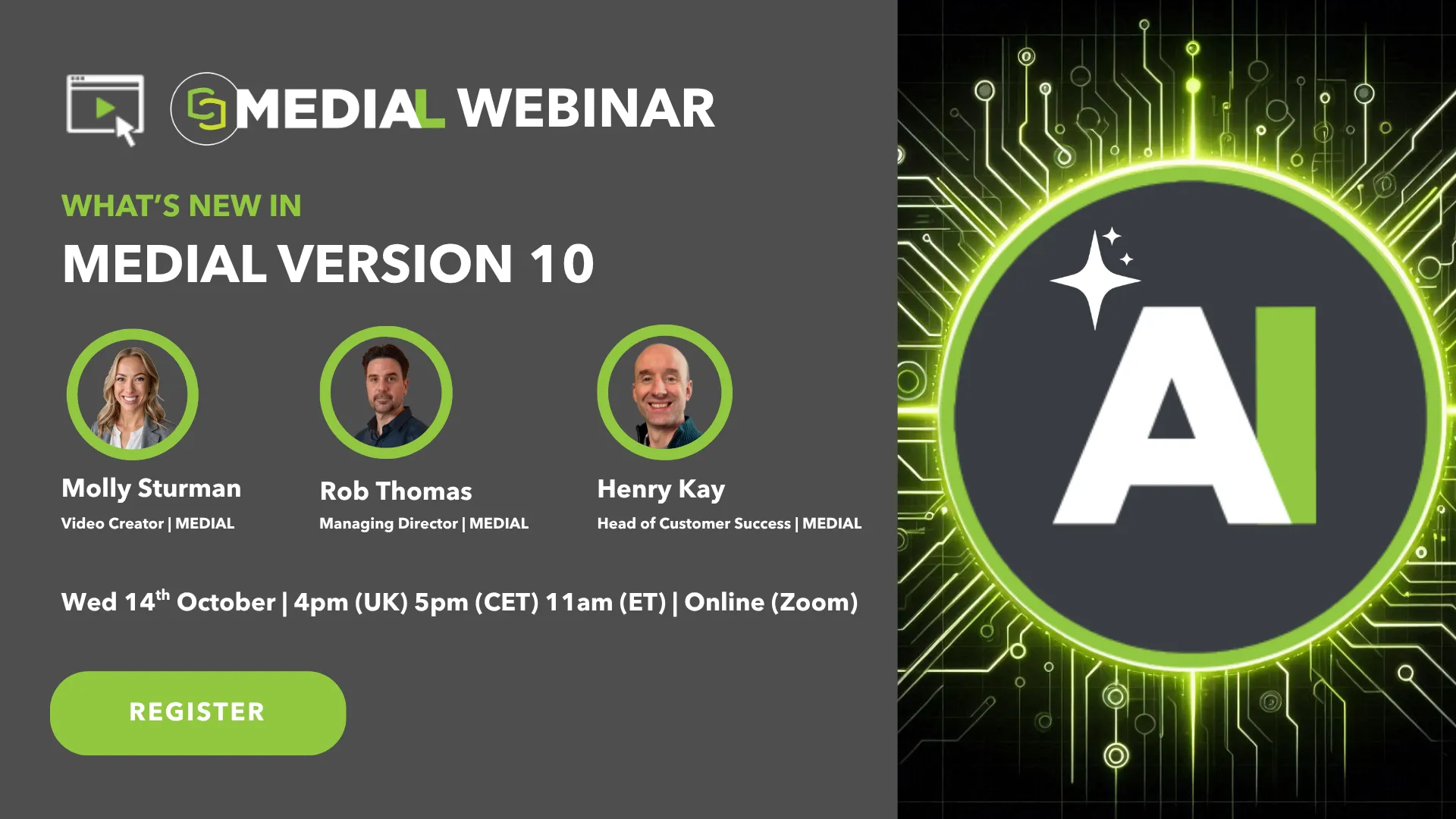
REGISTER NOW Introducing MEDIAL v10: Smarter Search, Deeper Engagement, Global Reach Get ready to revolutionize the way you teach, train, and engage! Join us for an exclusive webinar where we'll showcase the exciting new features of MEDIAL v10, including: 🎬 AI Video Moments: Long-form video, transformed. Our AI automatically breaks videos into engaging, bite-sized moments that make learning more accessible and keep students hooked from start to finish. 🔎 Natural Language AI Search: No more...
Read article
Video content is rarely perfect the moment recording stops. There may be a few seconds of setup at the beginning, a pause in the middle, or a longer recording that would be more useful as several focused clips. MEDIAL makes those everyday edits straightforward through a web browser, with editing tools available in both the MEDIAL CMS and your LMS. The built-in editor gives you three practical options: Trim, Chop, and Export. Together, they make it easy to refine a recording, remove unwanted...
Read articleLibrary · Live · Learning
Book a 30-minute demo with our team. We’ll walk through Library, Live and Learning with your LMS and workflows in mind, and help you choose the right deployment.