
Product News· 2 min read
MEDIAL | Teams Integration
This video gives a quick look at how MEDIAL works with Microsoft Teams, showing off some neat features that could really help out your...
Read articleMEDIALecture
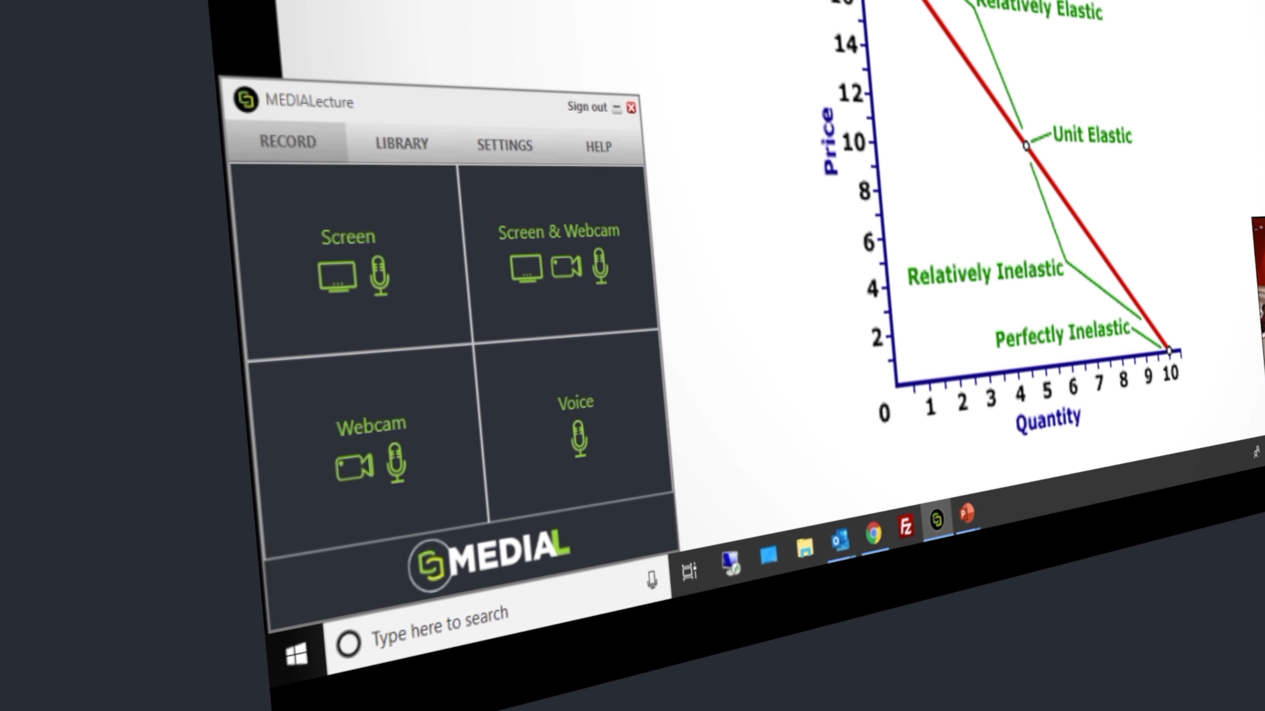
Lecturers and students need quick, easy ways to capture content. MEDIALecture records screen, webcam and voice on any computer, in the browser, and publishes instantly to MEDIAL and your Moodle, Blackboard or Canvas course.
Trusted by universities, colleges and businesses in more than 20 countries













MEDIALecture
Record your screen, webcam and voice, or switch between screen and webcam (or both) on the fly.
Everything is initiated through the browser, so there is no installation process and no IT ticket required.
Video uploads progressively as you record, so it’s available the moment you finish.
Record slides with picture-in-picture webcam for flipped classrooms, microlearning and training.
Recordings land in the teacher’s personal category, ready to add to Blackboard, Moodle or Canvas courses.
Students can record presentations and assignment submissions with the same simple tool.
In the classroom
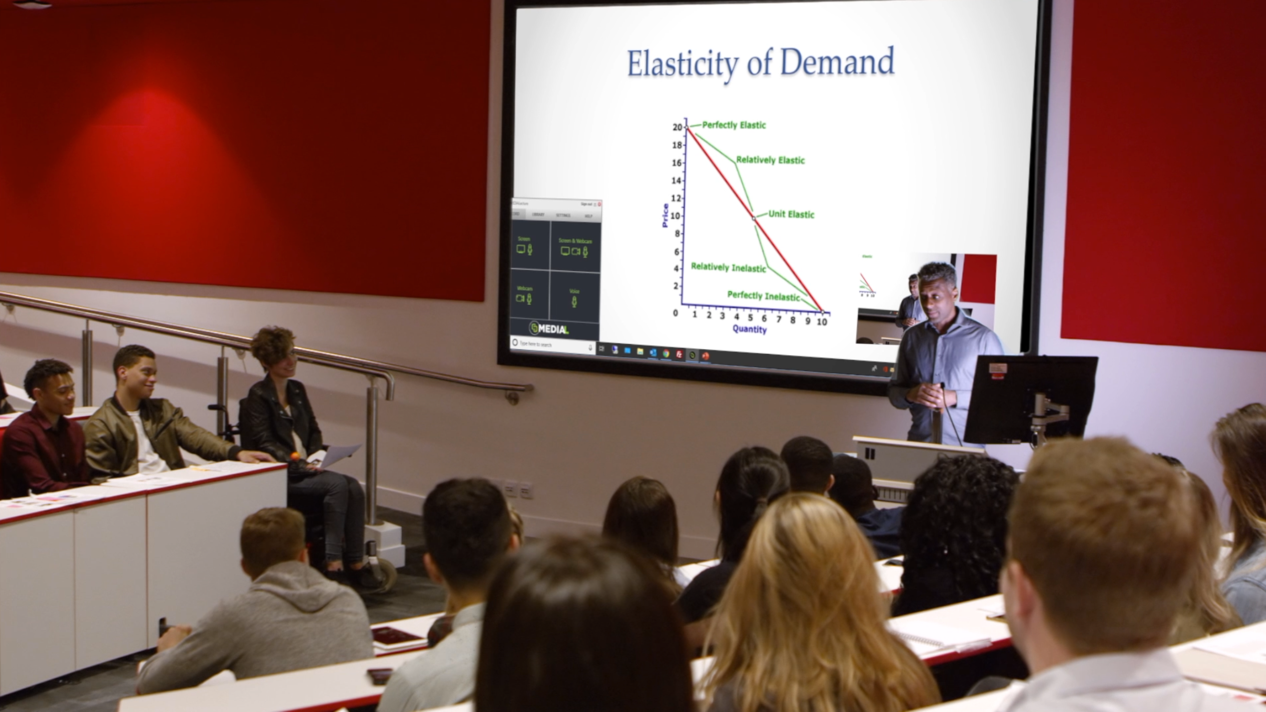
Teach as normal and let MEDIALecture capture your slides, voice and camera. The recording is published as soon as you stop, captioned automatically, and ready for students to revisit.
Training
MEDIALecture gives trainers and subject-matter experts the flexibility to record their screen, webcam and voice on any computer to create compelling how-to and training videos.
FAQ
No. MEDIALecture runs in your browser. One click is all it takes to start recording.
Recordings publish to your personal category in MEDIAL, which you can access from Moodle, Blackboard or Canvas without leaving your LMS.
Integrations
Deep integrations with the leading learning management systems and meeting tools mean no new place to log in, and no video clogging up your LMS.
Resources
This video gives a quick look at how MEDIAL works with Microsoft Teams, showing off some neat features that could really help out your...
Read article
This video shows how Medial's Zoom integration can help your organization. It covers the main features and how setting it up can be a...
Read article
This video is all about making video editing simple with Medial. We'll walk through the main editing tools available in both the CMS and...
Read articleLibrary · Live · Learning
Book a 30-minute demo with our team. We’ll walk through Library, Live and Learning with your LMS and workflows in mind, and help you choose the right deployment.