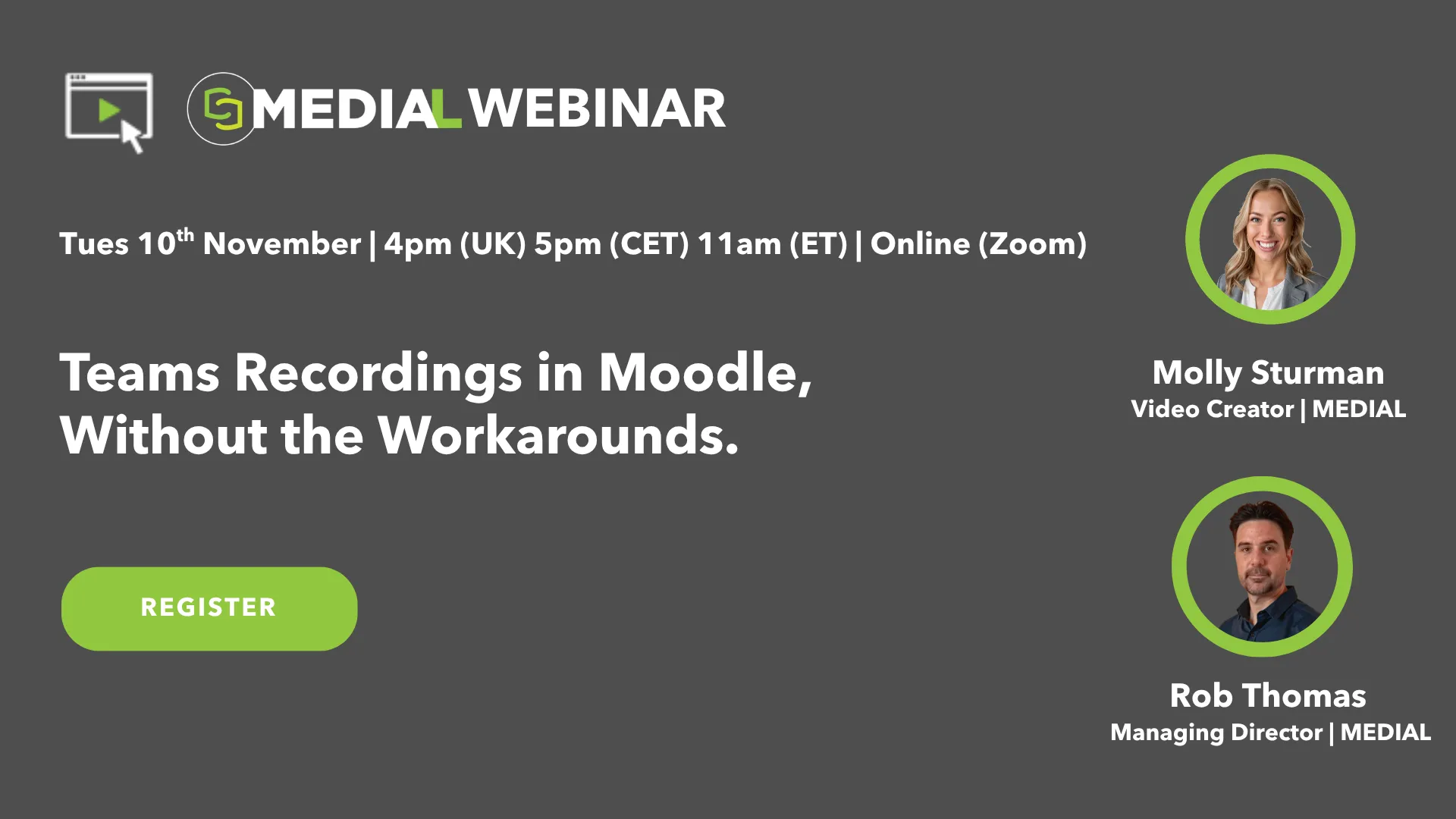
Teams Recordings in Moodle, Without the Workarounds.
Your teachers teach in Microsoft Teams, and your students learn in Moodle, but the two don’t work well together. Getting a recording in front of students usually means changing sharing settings, copying links or downloading huge files, one lesson at a time. Even then, students can still hit sign-in prompts and “access denied” messages. In this webinar, we’ll show how MEDIAL sends Teams recordings into Moodle automatically, with nothing new for teachers to learn.
You’ll see where the usual workarounds break, then the MEDIAL workflow: the teacher records in Teams as normal, adds one keyword to the meeting title, and the recording is waiting in Moodle, ready to add to the course page in one click. We’ll also show how to edit recordings, turn them into graded AI quizzes and see who watched. Join us to see how to turn Teams into budget-friendly lecture capture using tools you already own.
In this session, we’ll cover:
😩 Why Teams and Moodle don’t work well together, and the common workarounds teachers use today
⚡ The MEDIAL workflow: Teams recordings go into Moodle automatically
⚙️ Flexible pickup rules: every recording, chosen users or channels, or a simple keyword in the meeting title
✂️ Editing inside Moodle: trim, cut out mistakes and split long lectures into short clips
🧠 AI Video Quiz: turning a Teams recording into a graded quiz in minutes
📊 Engagement analytics: seeing who watched what, and for how long
This session is ideal for Moodle administrators, learning technologists, lecturers and IT teams at institutions that use Microsoft Teams and want a simple, affordable way to get lesson recordings in front of students.
📅 Tues 10th November
🕒 4pm (UK) 5pm (CET) 11am (ET)
📍 Online (Zoom)
Register now to secure your place!
Can't attend? Don't worry. Simply fill out the registration form anyway and we'll email you the link to the recorded version after the event