Building a Cost-Effective and Scalable Lecture Capture System with Microsoft Teams, Moodle™ and the MEDIAL Plugin for Moodle™

Educational institutions need efficient lecture capture solutions that are both cost-effective and scalable. By integrating Microsoft Teams with Moodle™ using the MEDIAL Plugin for Moodle™, schools can achieve this seamlessly.
Why Use Microsoft Teams?
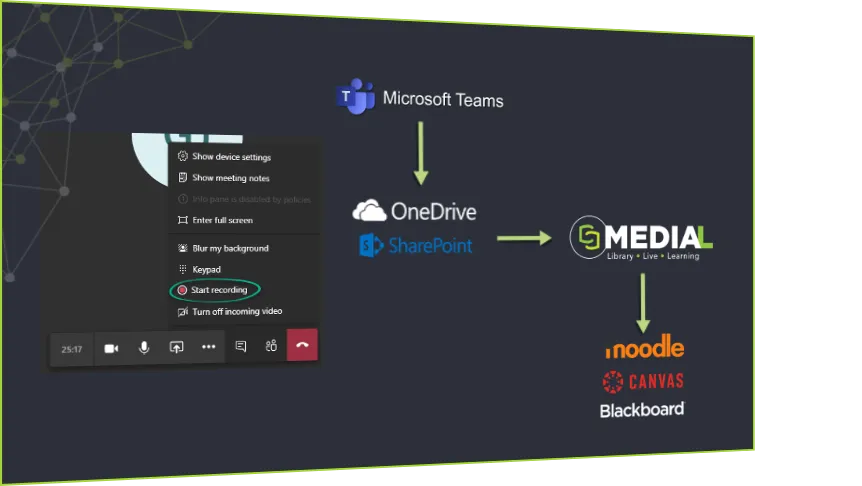
Microsoft Teams is widely used in education and offers free recording features as part of Microsoft 365. This makes it ideal for lecture capture without additional expenses. Teachers can easily record live classes or pre-record lessons within Teams.
Seamless Integration with Moodle™ and the MEDIAL Plugin for Moodle™
The MEDIAL Plugin for Moodle™ simplifies integration between Microsoft Teams and Moodle™ by automating the ingestion of Teams meeting recordings into Moodle™. This seamless workflow eliminates manual uploads, making educational content instantly accessible to students.
Key Features of the Integration:
Automatic Ingestion: Teams recordings are automatically transferred to Moodle™ through the MEDIAL Plugin for Moodle™.
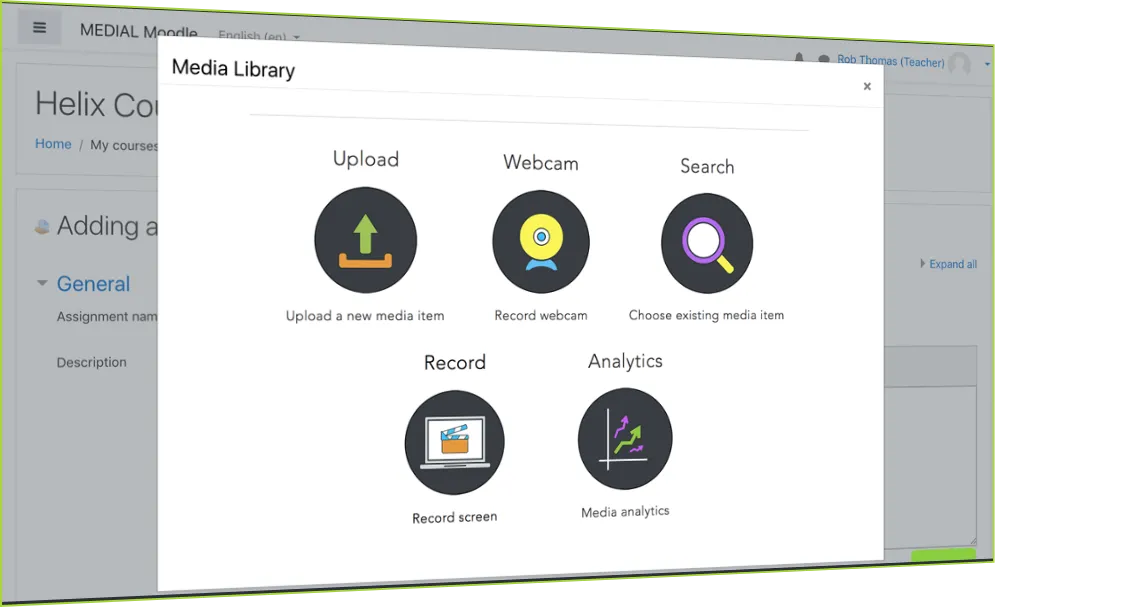
Content Management: Teachers can efficiently edit, embed, and organize recordings within Moodle™.
Enhanced Sharing and Security: Flexible sharing options and improved content protection.
Detailed Analytics: Educators gain insights into student engagement with comprehensive metrics.
Streamlining Content Creation with the MEDIAL Plugin for Moodle™
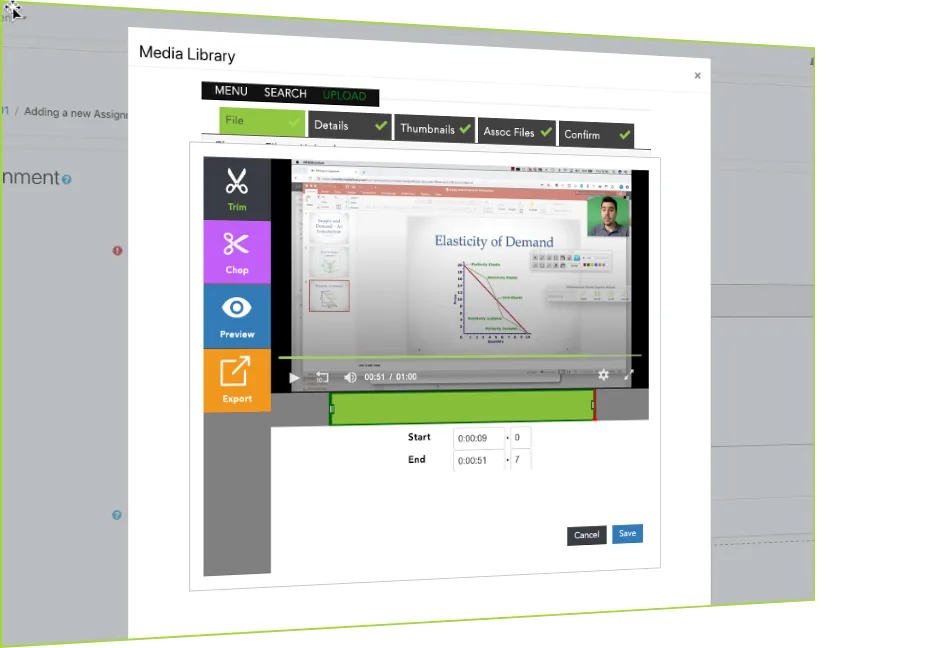
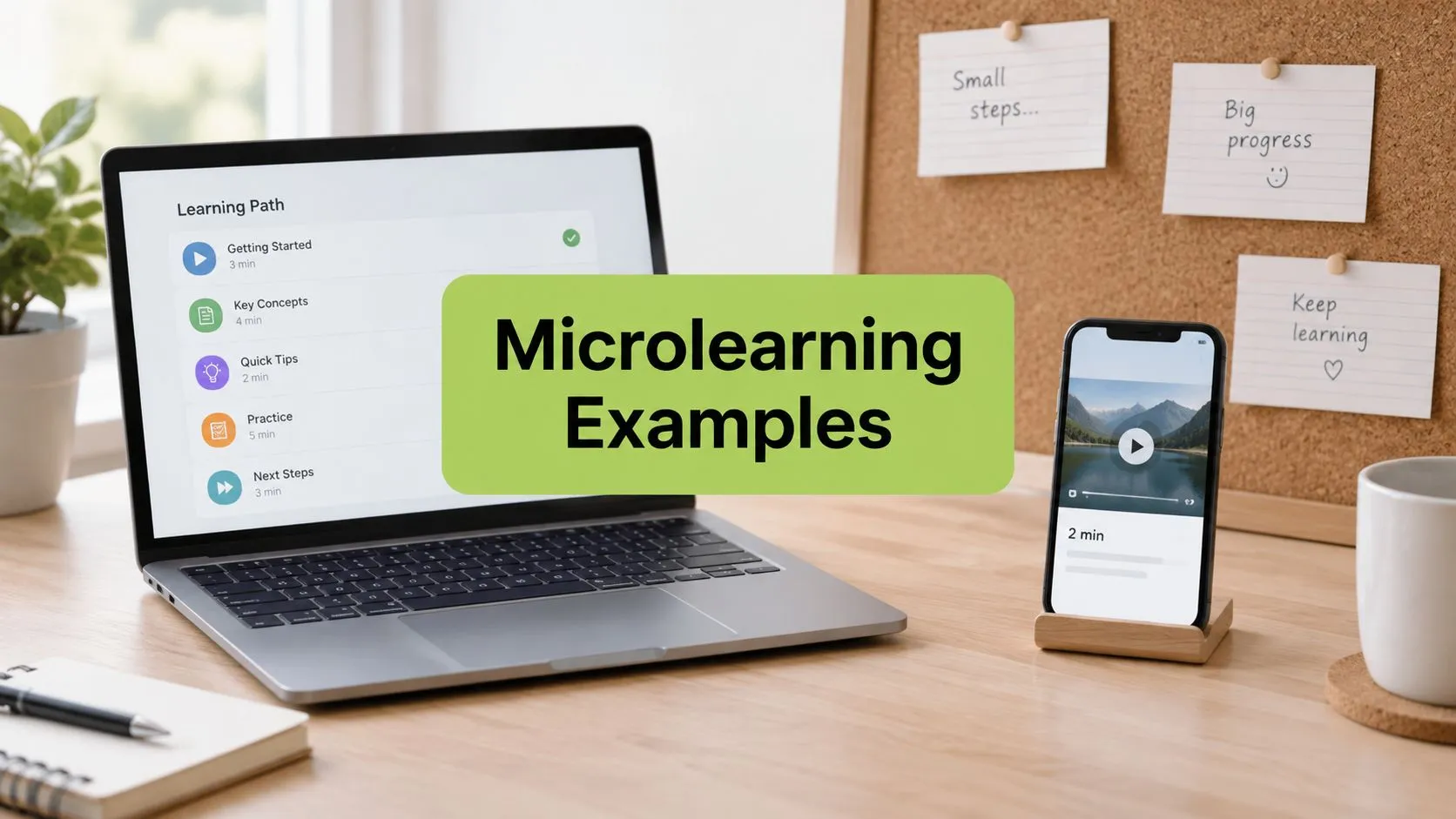
The MEDIAL Plugin for Moodle™ offers powerful in-browser editing features, allowing teachers to create short-form educational videos from Teams recordings. This supports microlearning, breaking complex topics into easily digestible and engaging videos.
Addressing Content Management Challenges
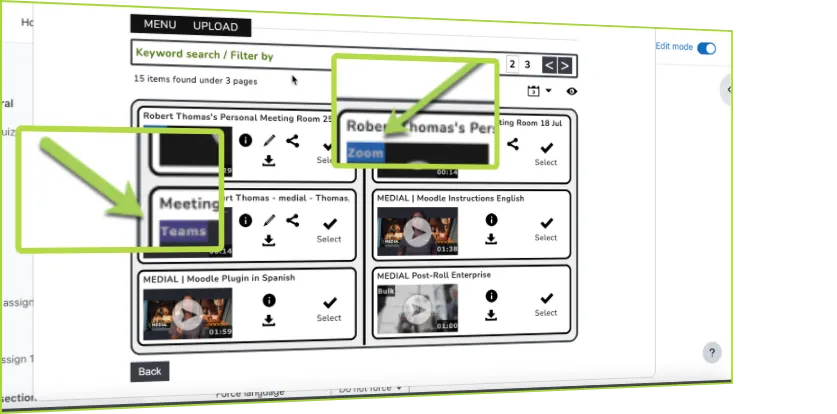
The shift from Microsoft Stream to OneDrive and SharePoint for Teams recordings introduced challenges in sharing and embedding content. The MEDIAL Plugin for Moodle™ addresses these by providing:
Direct Embedding: Recordings are embedded directly into Moodle™ course pages.
Playback Options: Adjustable playback speeds enhance the learning experience.
Comprehensive Analytics: Detailed insights into overall and individual student engagement.
Scalable and Cost-Effective Solution

Leveraging Microsoft Teams, already available through Microsoft 365, along with Moodle™ and the MEDIAL Plugin for Moodle™, creates a budget-friendly, scalable lecture capture system. This solution maximizes existing tools while minimizing additional costs.
Conclusion
Integrating Microsoft Teams with Moodle™ using the MEDIAL Plugin for Moodle™ revolutionizes lecture capture by making it seamless, efficient, and engaging. It streamlines content management, enhances sharing and security, and provides valuable analytics. As educational institutions continue to adapt to digital learning, this integrated system offers a powerful solution for delivering interactive and accessible educational content.
If you'd like to build a scalable and cost effective Lecture system using Teams in conjunction with MEDIAL and Moodle™ schedule a meeting with us to find out how.