MEDIAL | Optimize Your Video Workflow in Moodle™ : 5 Key Steps

MMEDIAL1 min read
MEDIAL | Optimize Your Video Workflow in Moodle™ : 5 Key Steps

In just 20 minutes we will show you how the MEDIAL Plugin for Moodle™ allows you to:

  • Secure: Industry strength content security protecting your organisations' media assets

  • Manage: A full content management system with content policies allowing purging of media based on our own custom retention strategy

  • Create: All the tools available to Teachers and Students to create and edit compelling video content capturing their screen and/or webcam. All without leaving Moodle™

  • Ingest: Automatic Ingestion of Zoom & Teams Recordings into Moodle™ for use in Course content or for revision

  • Track: See Student Engagement levels through powerful Video Analytics
Ready to bring secure video to your learners?

Talk to our team about MEDIAL Library, Live and Learning.

Book a demo

Keep reading

All articles
· 5 min read

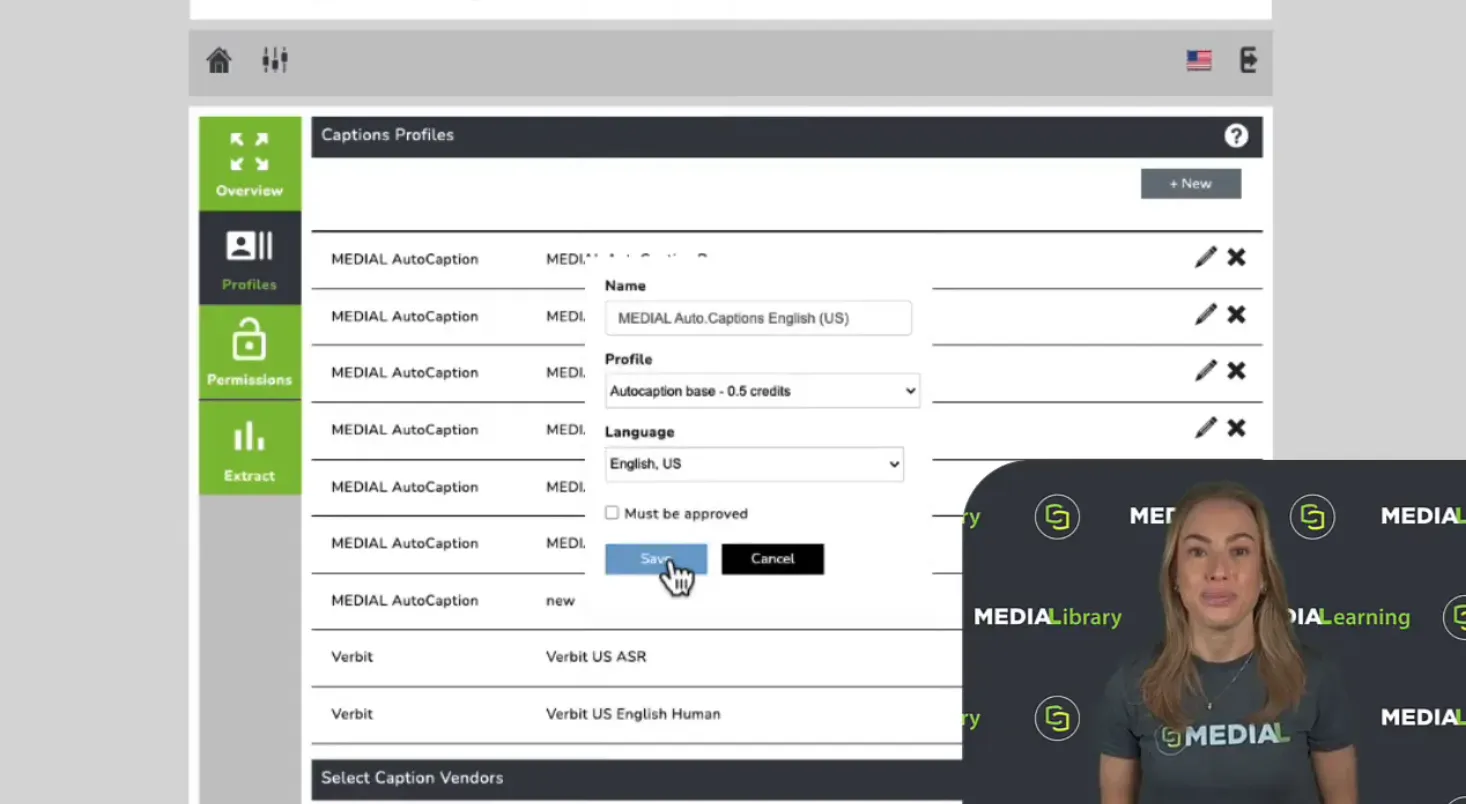
How to Enable Closed Captions in MEDIAL

Closed captions help make video content more accessible and reach a wider audience. In MEDIAL, getting them set up starts with two straightforward decisions: which caption profile to use, and who should have permission to use it. From there, you can let people request captions manually, automatically caption uploads from selected users or groups, or give designated users responsibility for approving requests. That flexibility means you can build a captioning workflow around the way your...

Read article
· 12 min read

Independent Learning Plans for Today's Learners

Master independent learning plans with practical templates and implementation strategies for students, teachers, and corporate trainers using modern LMS tools.

Read article