v5 is here! See below for a comprehensive list of New Features and Enhancements that have been added. Check out some our video content below as well to see the new features in more detail

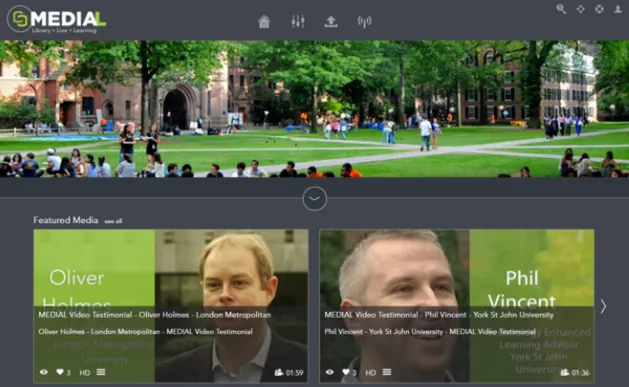
Stunning new User Interface
Completely customisable in terms of color
scheme and branding of amazing new look and
feel brings MEDIAL bang up to date with current
responsive web design. Out of the box we offer a
light and dark look and feel. Dark is featured
here
Responsive Playback Page
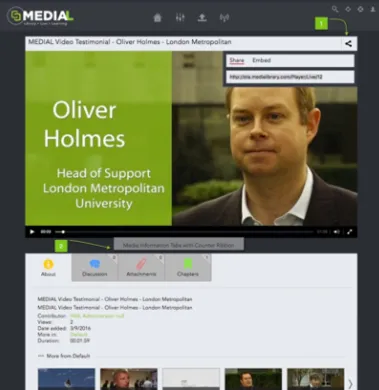
Adopting the responsive design from the main
MEDIAL UI - our playback page is also completely
responsive whether you are streaming Live or On
Demand video content. A tab based system below
the player to show the related content or assets has
also been introduced to increase usability
Adaptive Bit Rate Streaming
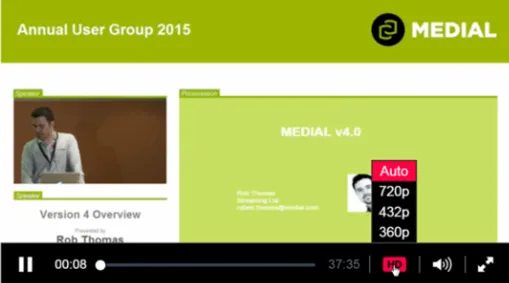
Video on Demand and Live Content can now
stream at a quality applicable to the users
connection speed and also adapt to fluctuations
in the users connectivity. Users can also force the
player to stream at a lower rate should they wish
Adjustable Playback Speed
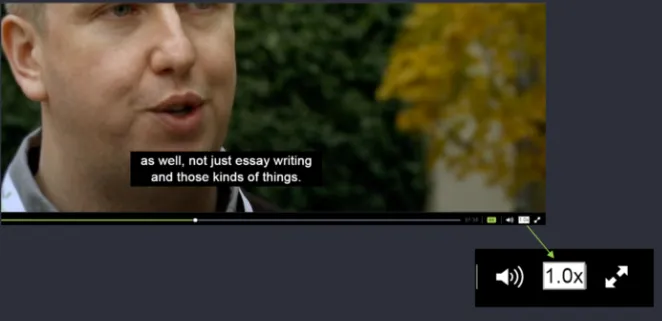
Today's Teachers, and especially Students, have
limited time and attention spans. They are also comfortable with watching back content at double speed to save time. Some also require content at slower speeds to increase comprehension - the
player provides both
MEDIALecture - Screen Capture
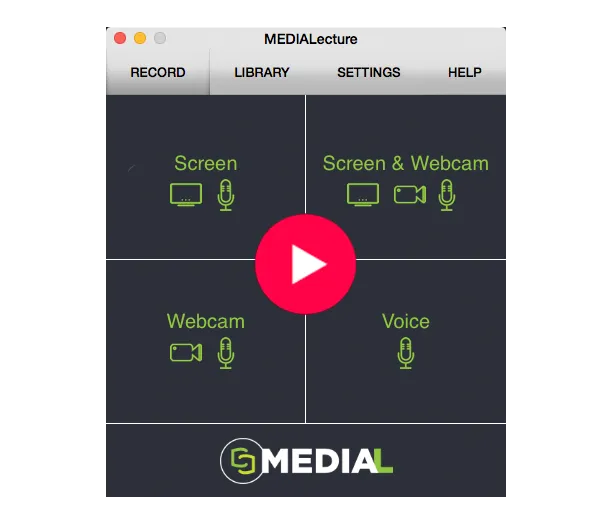
Our customers have been requesting for a long time to provide their users with a means of creating content within MEDIAL. v5 of MEDIAL also sees the introduction of MEDIALecture which allows capture of screen, webcam, voice or a combination of all three. Available as an affordable site license - it also possible to deploy it to multiple machines via our customisable MSI
MEDIALive Event Workflow
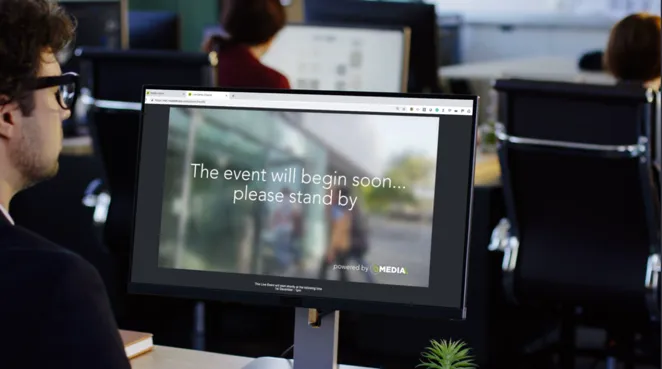
Take more control of your Live events, whether you want a professional workflow start to finish including pre and post role videos or ad hoc live recording
at a time that suits the user, the MEDIALive app
with admin emailing to auto populate the required settings makes it easy for all users of any skill set
Other Features and Enhancements
Public and Private Chaptering:
Allows efficient directional learning for tutors setting assignments and learners privately revising or sharing information
Improved Encoding Performance and Control:
Admins can take more control of the resolution and number of encoded copies produced. The highest quality version is encoded first, making your videos available on average 60% faster
Group Permissioning
Allows admin to have easy control of group permissions
MEDIALive features
one click publishing, auto archive and protect, streams to all devices, using any encoder, schedule for availability and simulcast to Facebook and YouTube