The Three Ls of MEDIAL | MEDIALive - Stream, Schedule, Secure
MEDIALive turns any encoder into a flexible live streaming platform. Whether you're sending video from OBS, a hardware appliance, or another encoder, MEDIALive gives you a fully configurable playback page, access controls, scheduling tools and automatic archiving into the MEDIAL Library.
What MEDIALive lets you do
At its core MEDIALive accepts streams from any encoder and presents them through a customizable playback experience. The platform focuses on three practical capabilities:
— pre-roll, live, intermission and post-roll or archive.
— integrate with Active Directory, LDAP or SSO, or use password protection.
— automate state changes and save streams into the MEDIAL Library for on-demand viewing.
Designing the playback experience
The playback page is where the viewer journey is defined. You choose what appears at every stage:
Pre-roll
Show a countdown or informational video before the event begins. A scheduled pre-roll can run automatically, for example an hour before start.
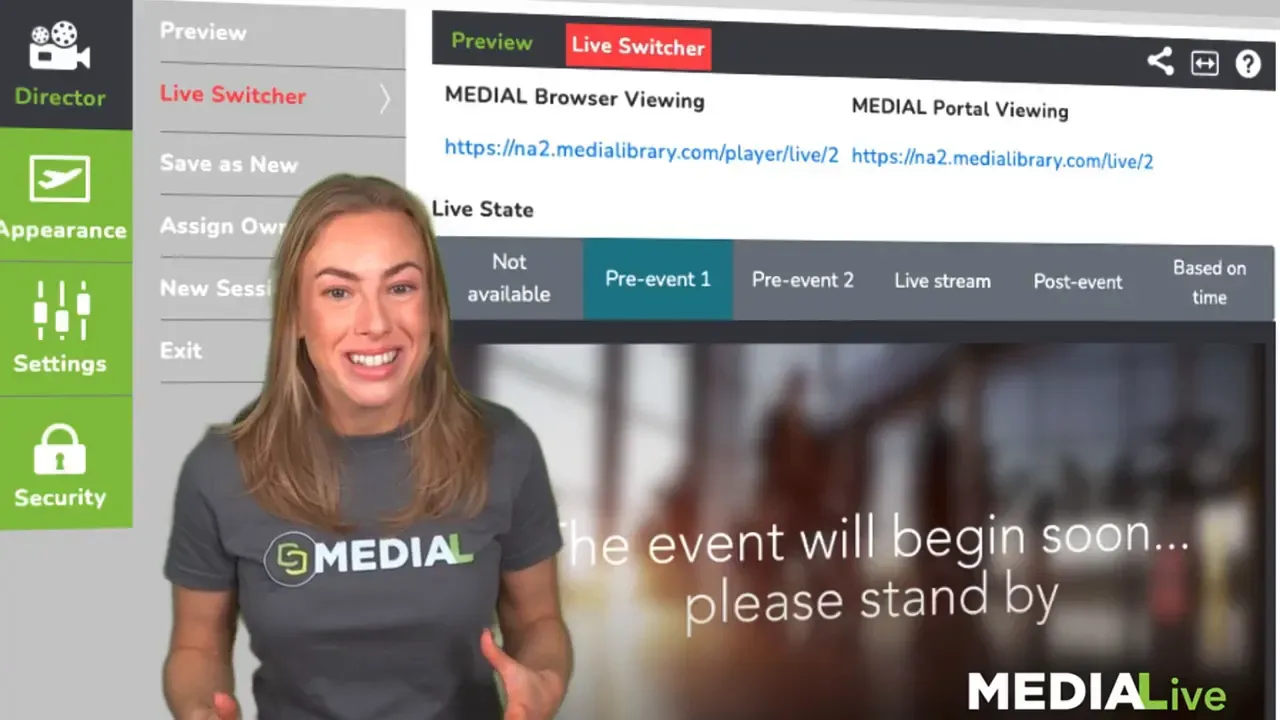
Live
When the event starts, switch to the live stream coming from your encoder. The switch can be manual or scheduled to occur at a set time.
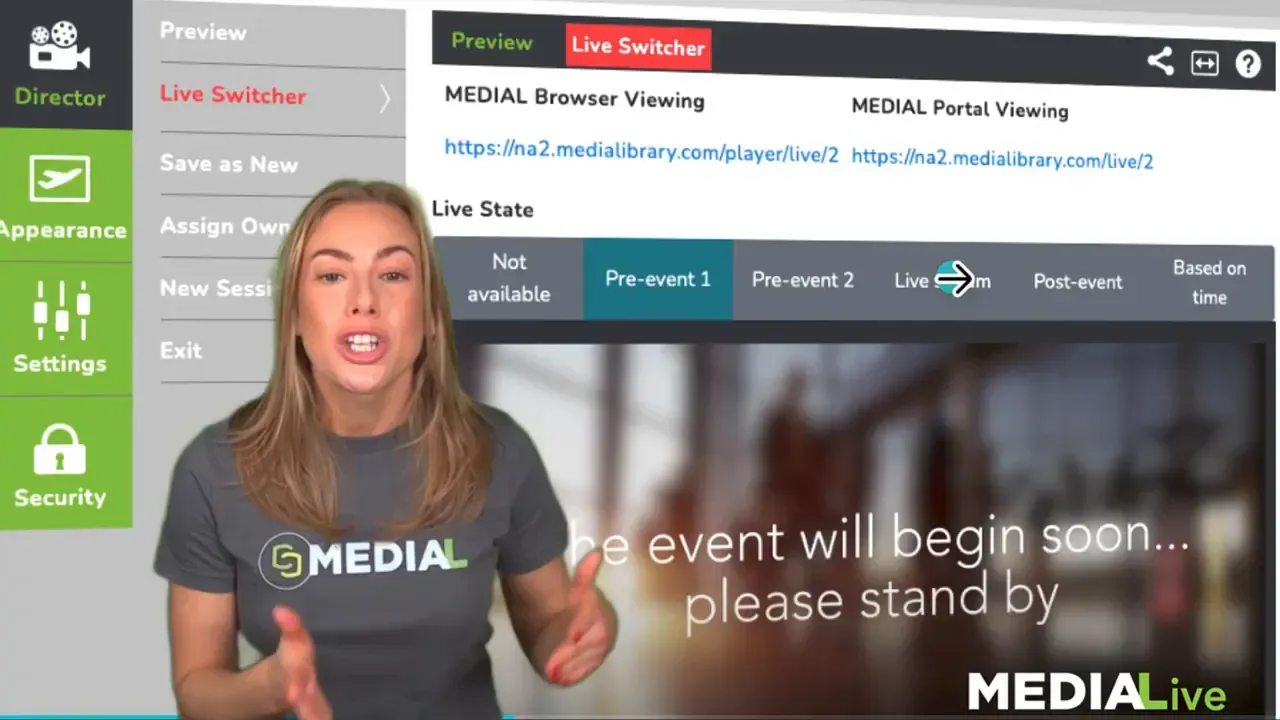
Intermission
Trigger an intermission video with a single click to hide the live feed temporarily without disrupting the playback page or viewer experience.
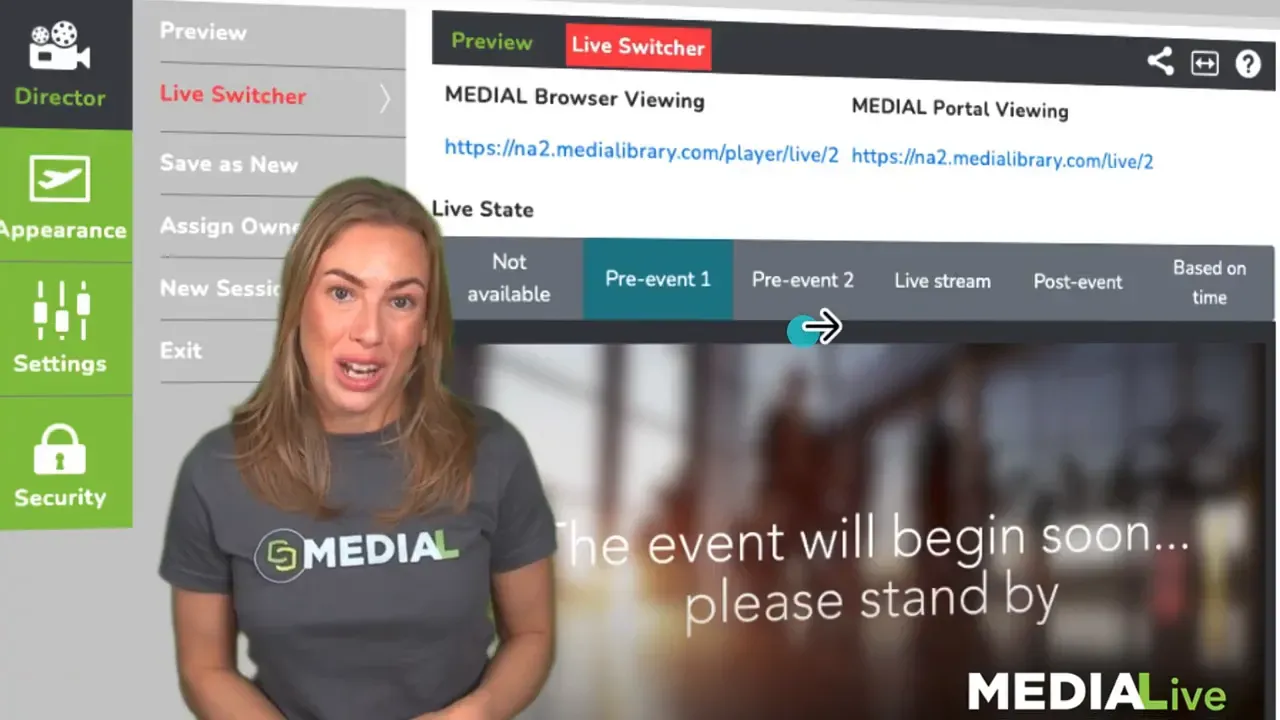
Post-roll and archive
After the event ends, display a closing video or automatically point viewers to an archived version of the stream stored in the MEDIAL Library.
Control who watches
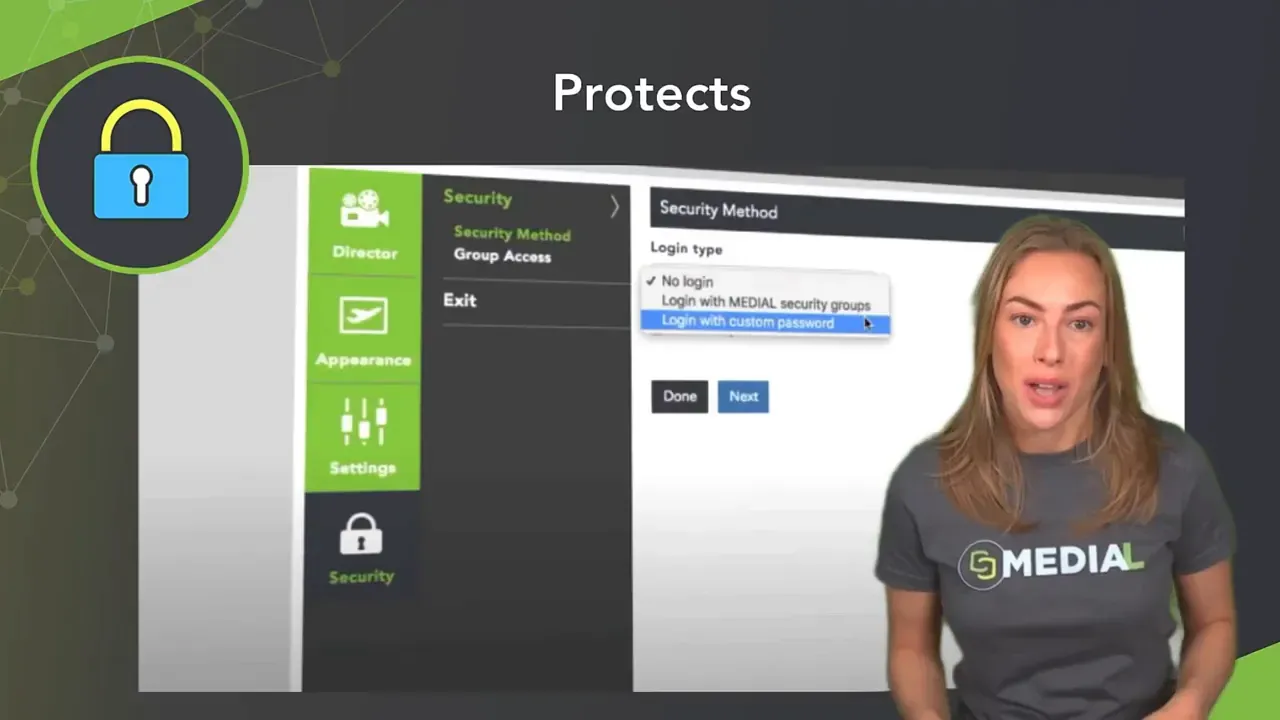
MEDIALive supports enterprise-grade access control. Lock streams down using:
Security groups tied to Active Directory
LDAP or single sign-on
Simple password protection
for lightweight use cases
Schedule once, run reliably
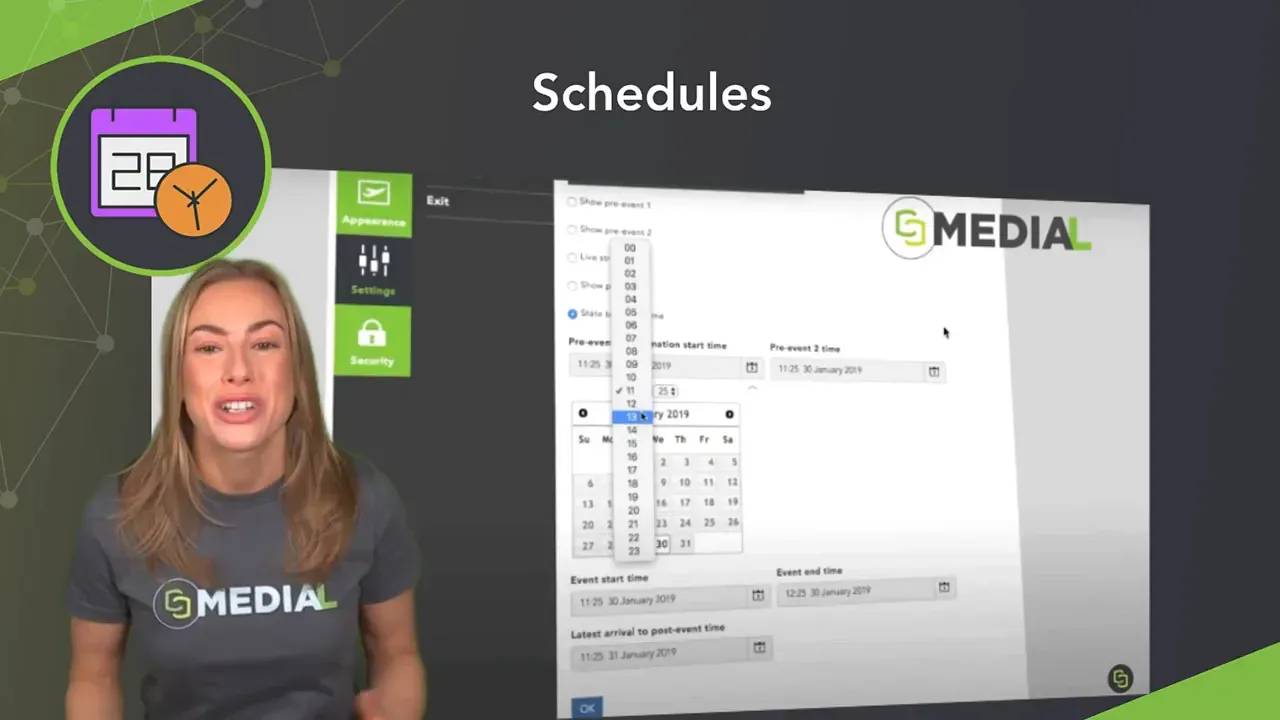
Scheduling removes the need for manual switching during events. Define start and end times and the system will present the correct playback state — pre-roll, live, intermission, or post-roll — at the scheduled moment.
Archive to the MEDIAL Library
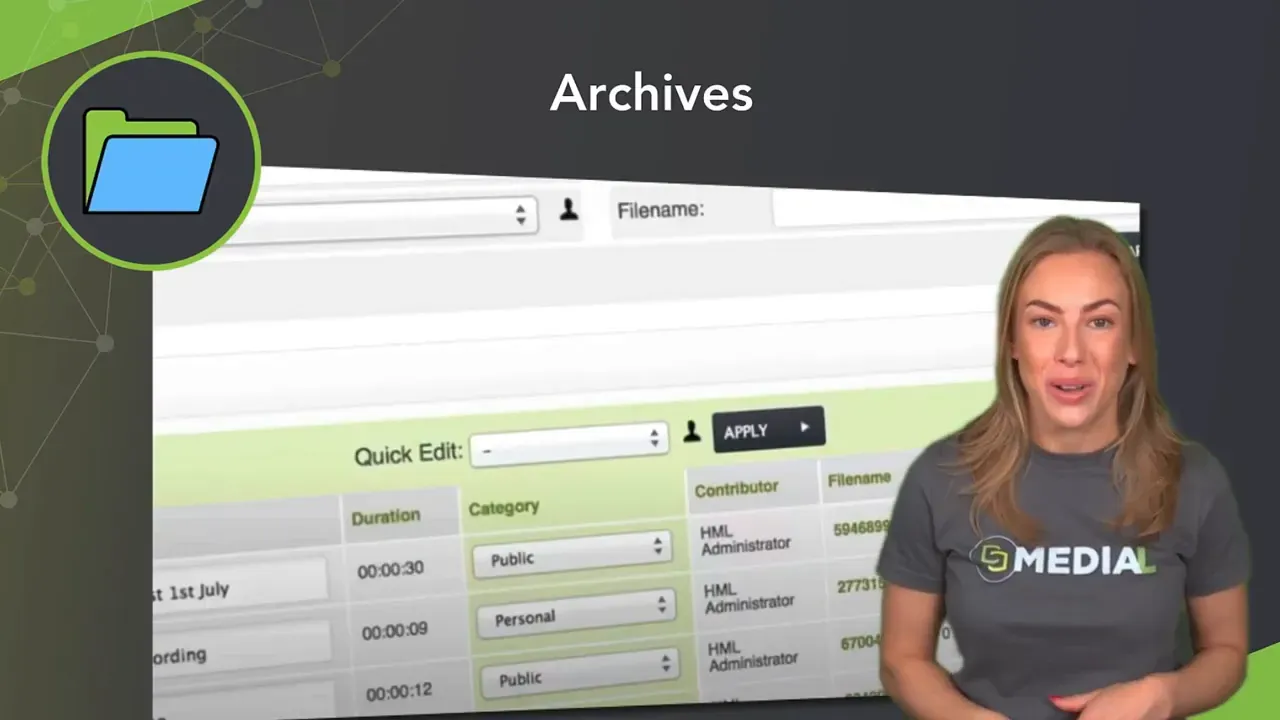
MEDIAL is a content management system. Every live stream can be archived into the MEDIAL Library so people can watch on demand later. Archiving keeps your live content discoverable, searchable and reusable for training, compliance or publicity.
Real-world example
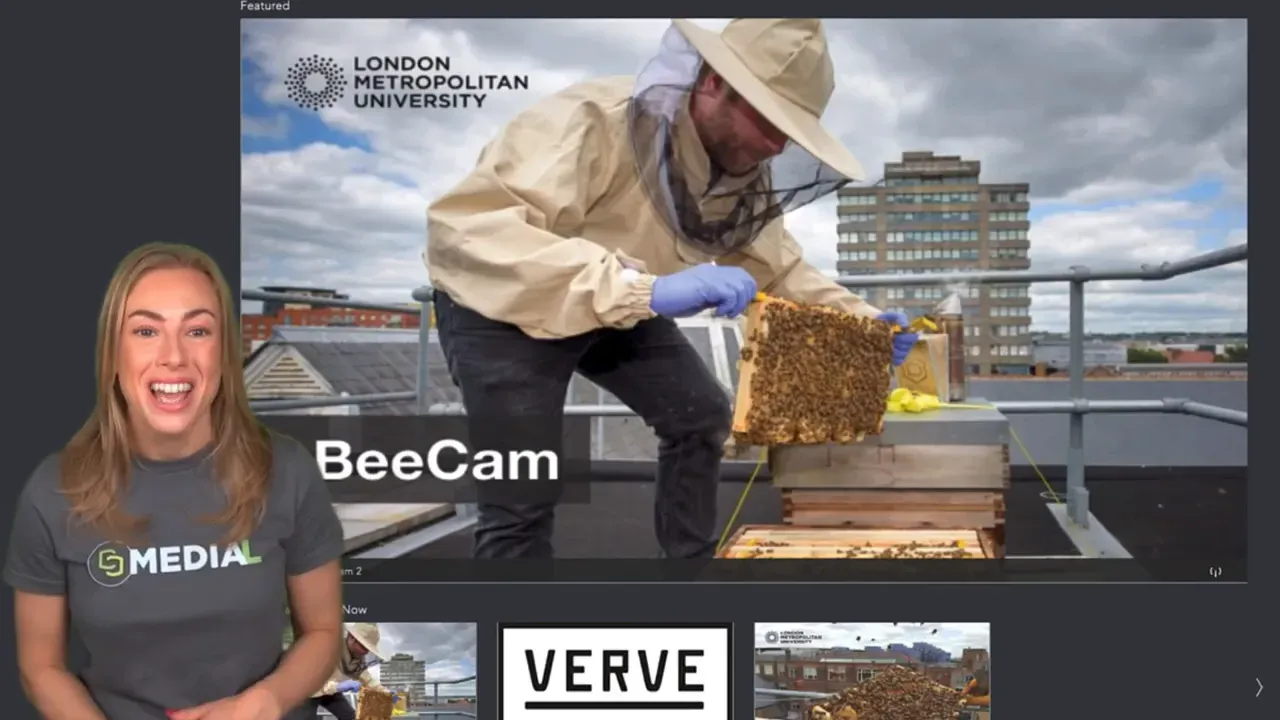
One customer uses MEDIALive to stream a camera mounted on a London roof that observes a beehive. The setup is simple: a steady encoder feeds the live stream and MEDIAL handles playback, scheduling and archiving. The same pattern scales to ceremonies, town halls, training and campus events.
Quick setup checklist
Point your encoder (OBS or hardware appliance) at MEDIALive.
Create the playback page and upload pre-roll, intermission and post-roll assets.
Configure access control (AD, LDAP, SSO or password).
Schedule start and end times or plan manual control during the event.
Enable archiving to the MEDIAL Library for on-demand viewing.
Benefits at a glance
: Works with any encoder.
: Controlled states and branded assets.
: Integrates with enterprise identity providers.
: Schedule the entire event experience ahead of time.
: Archive streams for later access and reuse.
FAQ
What encoders are supported?
Any encoder that can send a standard RTMP or similar live feed will work, including OBS and dedicated hardware appliances.
Can I automate the pre-roll and live switch?
Yes. You can schedule playback states so the pre-roll, live stream and post-roll appear automatically at set times.
How do I restrict who can view a live stream?
Use security groups linked to Active Directory, LDAP, or SSO for enterprise control, or apply password protection if you need a simpler option.
Will live streams be saved for later viewing?
Yes. All streamed content can be archived into the MEDIAL Library so it is available on demand.
What are typical uses for MEDIALive?
Use cases include live campus events, town halls, ceremonies, remote camera feeds, training sessions and any scenario that benefits from a reliable, branded live experience with archiving.